46 47
MX STRADA SERIESCHAPTER 5
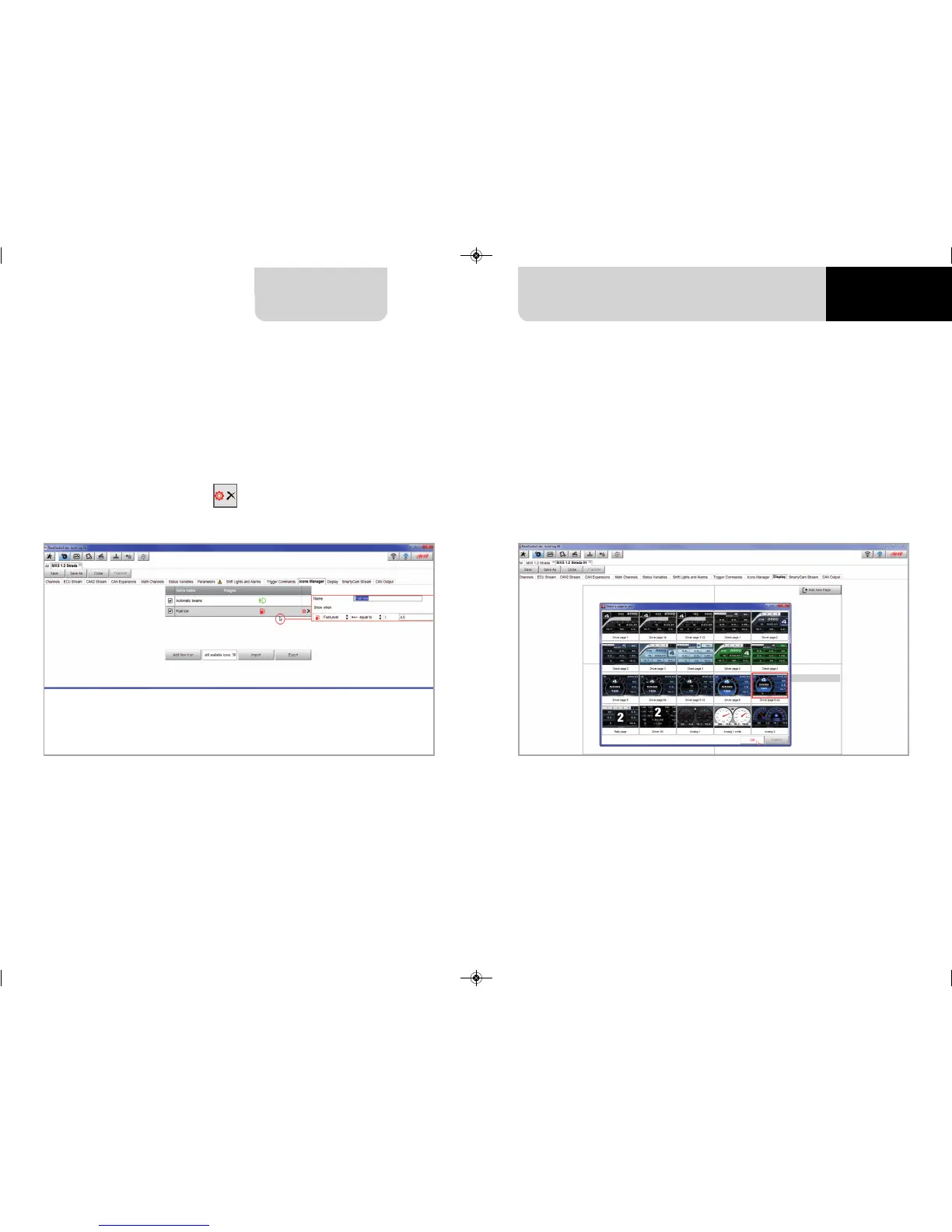
The “Icons page” shows a summary of the selected icons. If you mouse over any icon, a panel
with all the information appears.
Icons can be edited/selected pressing
MX Strada series can have up to eight pages to be set via software.
n
enter “Display” tab
n
a panel shows up: select a display page
(in the example a page with icons bar has been chosen)
n
select the page and press “OK”
n
repeat the operation for the number of pages to set
5.2.11 Display configuration
MXG 1.2 MXP MXS 1.2 STRADA 2019.qxp_Layout 1 15/03/19 11:57 Pagina 47



 To Next Page