50 51
MX STRADA SERIESCHAPTER 5
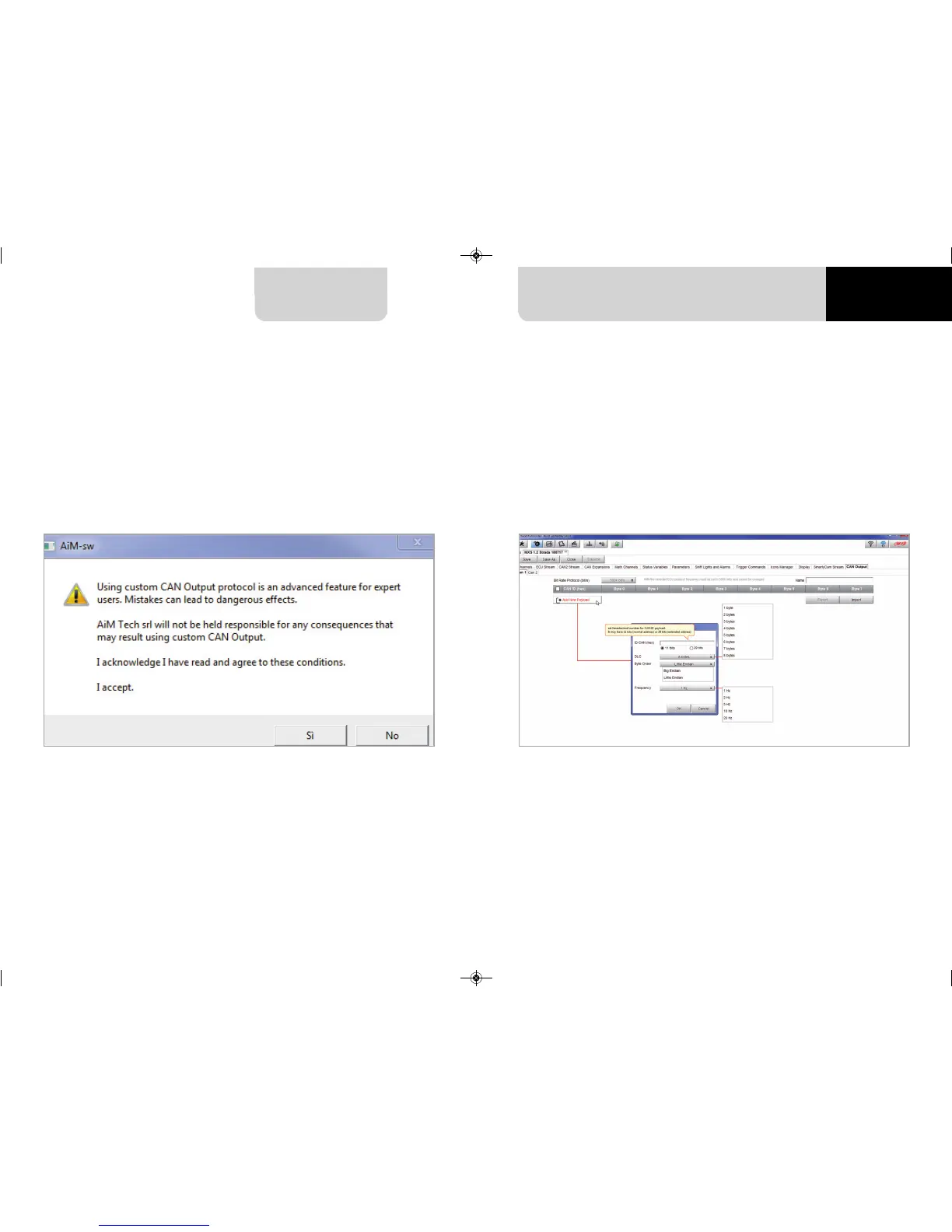
Please note: this function is for expert users only.
At very first configuration this panel shows up.
The dash can transmit a CAN data stream containing the channels required both on CAN1 and
CAN2.
To add a payload:
n
press “+Add new Payload” and “Set CAN Header details” appears;
n
fill in ID CAN (hex), available options are:
n
11 bits (normal address)
n
29 bits (extended address)
n
select the payload max bytes number (DLC ), available options are from 1 to 8 bytes
n
select the byte order according to the used processor, available options are:
n
Little endian for Intel processor
n
Big Endian for Motorola processor
n
set the sampling frequency among: 1,2, 5, 10 or 20 Hz
5.2.13 CAN Output configuration
MXG 1.2 MXP MXS 1.2 STRADA 2019.qxp_Layout 1 15/03/19 11:57 Pagina 51



 To Next Page