28 29
MX STRADA SERIESCHAPTER 5
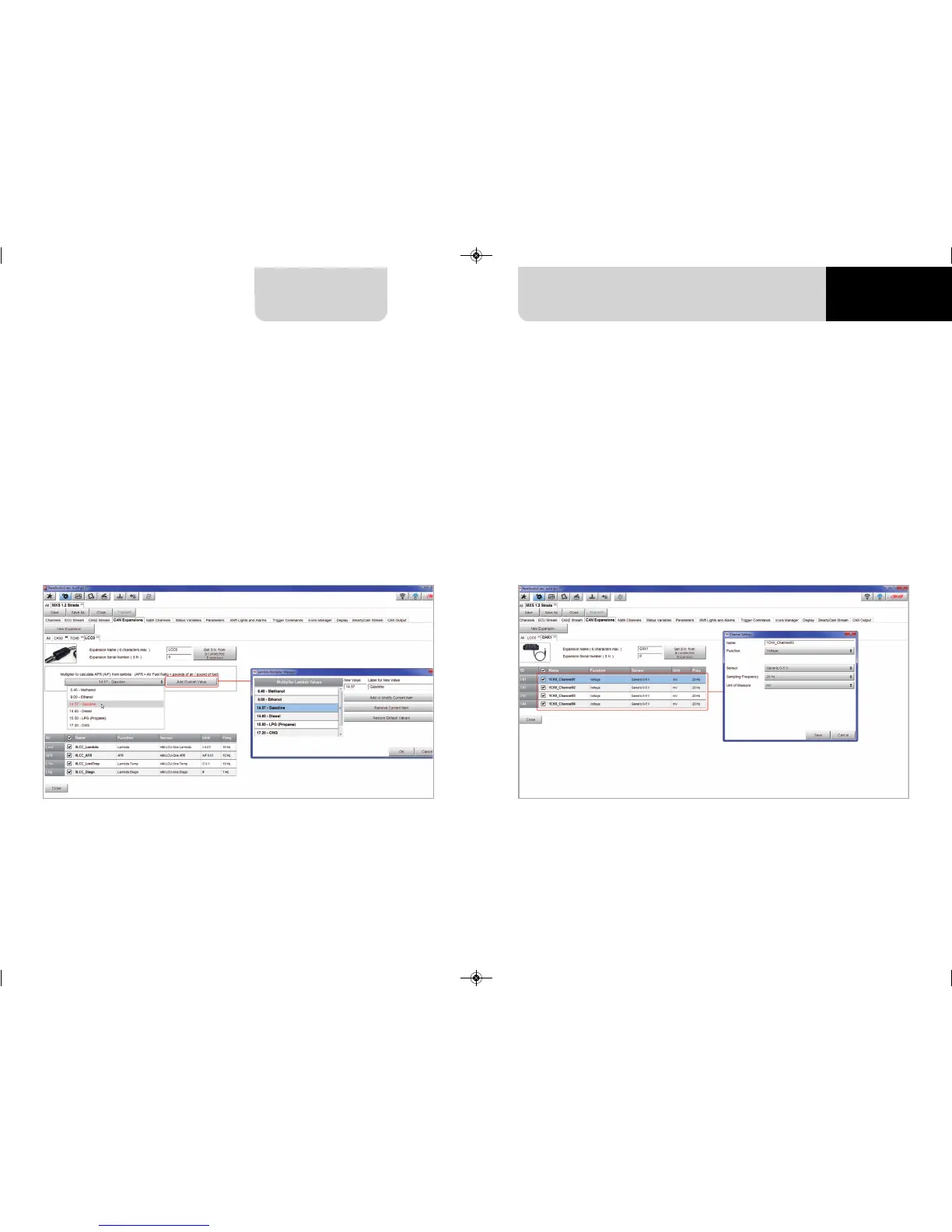
To set an LCU-One CAN:
n
press “New Expansion” button;
n
select “LCU-One CAN” and press OK
n
name the LCU One and fill in its serial number or press “Get SN from a connected
expansion ” to receive the serial number from the connected LCU-One
n
select the multiplier to calculate AFR from lambda (in the example “14.57 Gasoline”) or add
a custom value pressing “Add Custom Value” (the related panel shows up)
n
set the LCU One channels double clicking on each channel and setting the panel that shows up
n
press “Close” to save and exit
Please note: for any further information about AiM LCU-One CAN refer to the related user ma-
nual you find in the box or you can download from AiM website
www.aim-sportline.com documentation area, products section.
Please note: for any further information about AiM Channel expansion refer to the related user
manual you can download from AiM website
www.aim-sportline.com documentation area, products section.
Setting LCU-One CAN Setting Channel Expansion
To set a Channel Expansion:
n
press “New Expansion” button;
n
select “Channel Expansion” and press OK
n
name the Channel expansion and fill in its serial number or press “Get SN from a connected
expansion” to receive the serial number from the connected Channel Expansion
n
set each channel double clicking on each channel and setting the panel that shows up
(it works exactly like channels configuration – see the related paragraph)
n
press “Close” to save and exit
MXG 1.2 MXP MXS 1.2 STRADA 2019.qxp_Layout 1 15/03/19 11:57 Pagina 29



 To Next Page