68 69
MX STRADA SERIESCHAPTER 10
A wide number of analog cameras, both PAL and NTSC, are compatible with MX Strada series
dashes and patch cables for connecting most of them are available. Please refer to our website
www.aim-sportline.com for more information about them.
Please note: rear camera dimensions and MX Strada series camera input pinout are shown
in chapter 11.
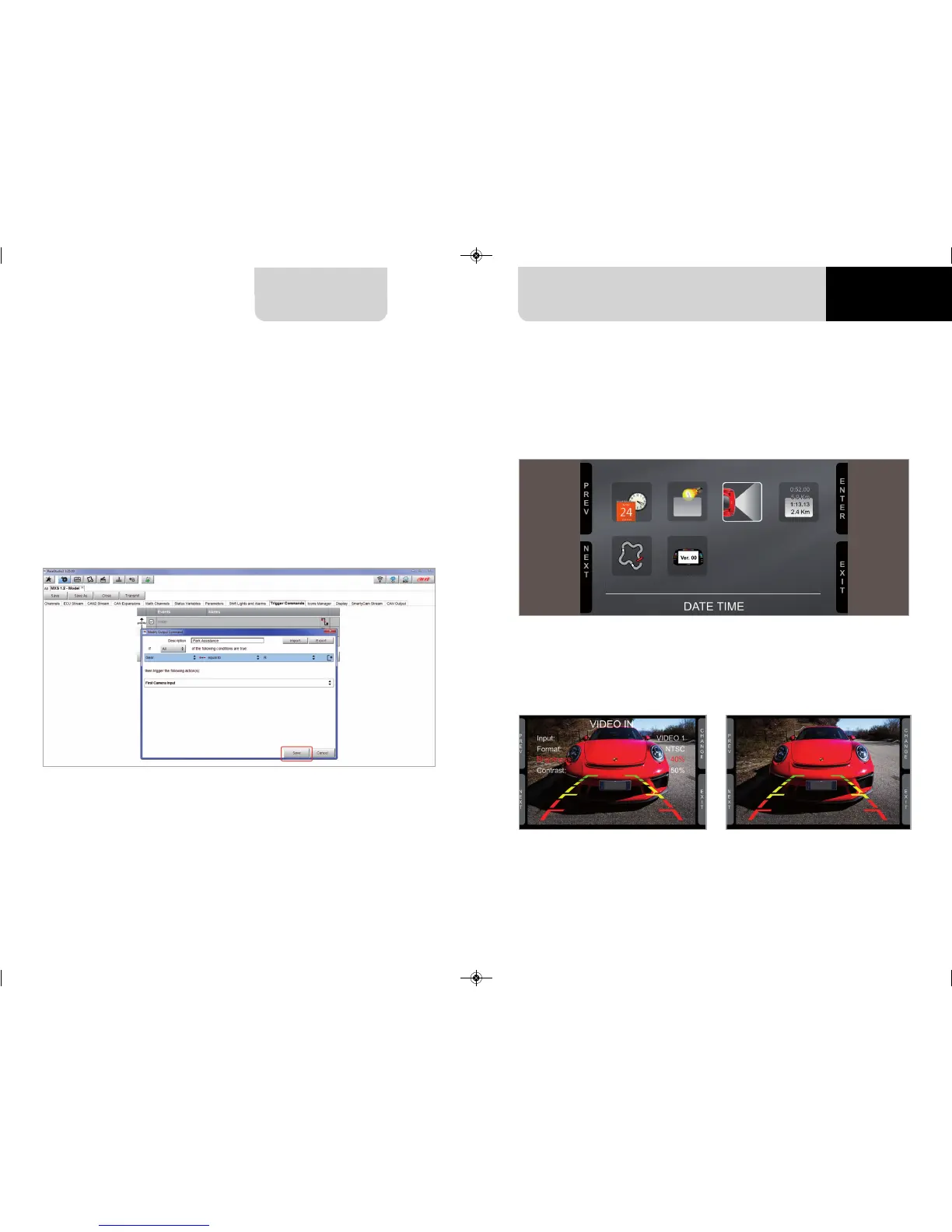
Once “Gear” channel has been set it is necessary to create a new ”Trigger command”. To do so
n
press “Add new command”
n
fill in the panel that shows up, in the example
n
Description: park assistance
n
channel “Gear equal to R”
n
trigger the command “First camera input”
Set the camera as explained in paragraph 4.3. If no key is pressed in 5 seconds, the menu di-
sappears and the logger shows the camera image in live streaming, that is very useful to check
the camera position. Images below shows the image of the camera set on the left and the live
stream on the right.
To perform the command on the logger press “MENU” button and scroll up to “VIDEO IN”.
MXG 1.2 MXP MXS 1.2 STRADA 2019.qxp_Layout 1 15/03/19 11:57 Pagina 69



 To Next Page