18
USING YOUR WIRELESS THERMOSTAT
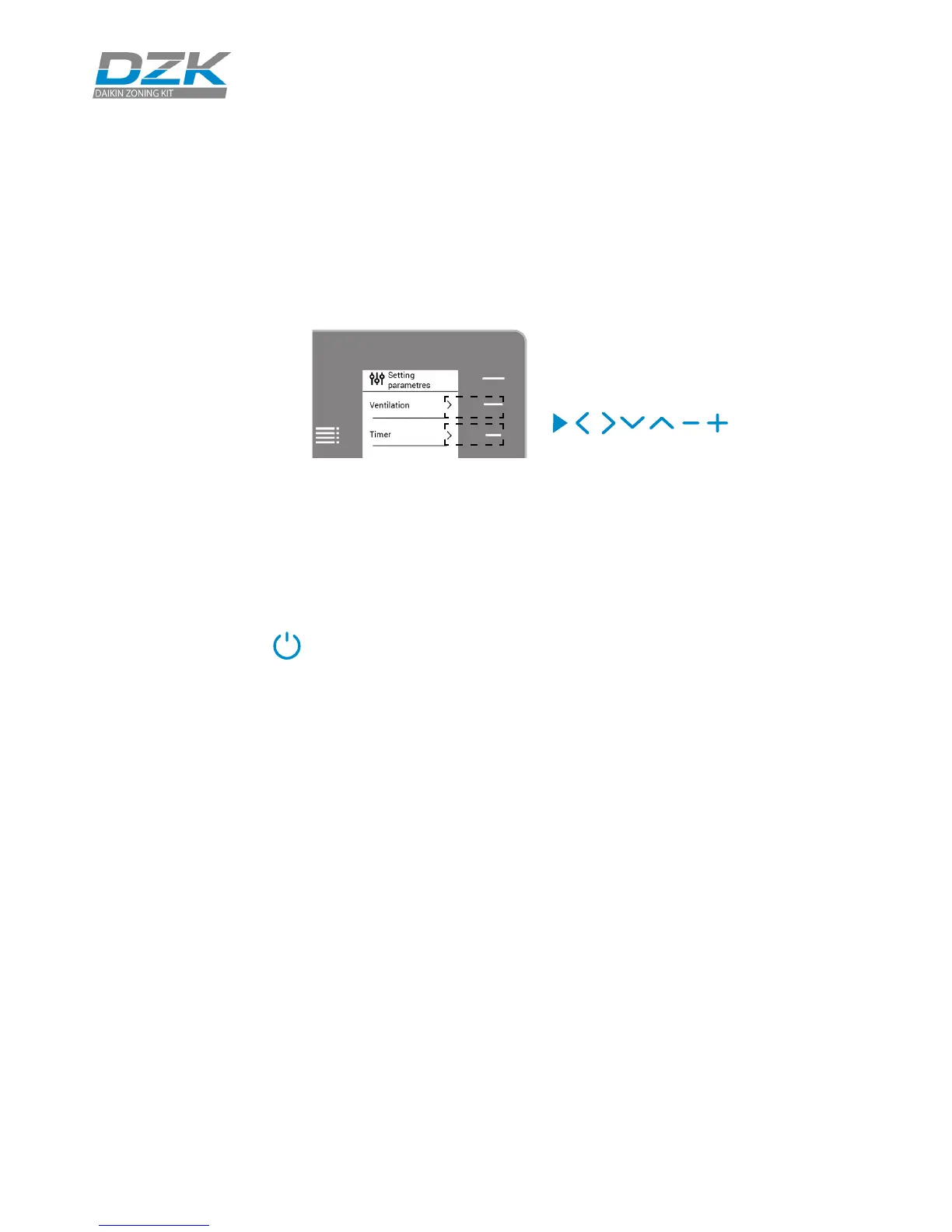
Navigation
Adjusting the temperature
On/O. Press to turn the zone On/O.
Temperature Control. The temperature displayed on the screen is the current
set point temperature. You can easily adjust the set point temperature on
your Wireless Thermostat.
Select the set point temperature using the control bar (pressing or by
sliding) to manually adjust by increments of 1ºF (0.5ºC).
The available temperature range is:
• Heating mode: 59º F/15º C – 84º F/29º C.
• Cooling mode: 64º F/18º C – 86º F/30º C.
If you are using Auto mode, note that there is a minimum dierence allowed
between heating and cooling set point temperatures. The system will
prevent you from setting a temperature within the protection range.
72º
To navigate through Wireless Thermostat,
follow the instructions you will see on
the screen. Press the side buttons on the
control bars to execute the instructions.
Heat set point temperature
Cool set point temperature
Press Airzone to switch
between heat set point
temperature and cool set
point temperature.
Control bar
Press once to adjust the
set point temperature
by a single degree. Slide
to adjust the set point
temperature in larger steps.



 To Next Page