20
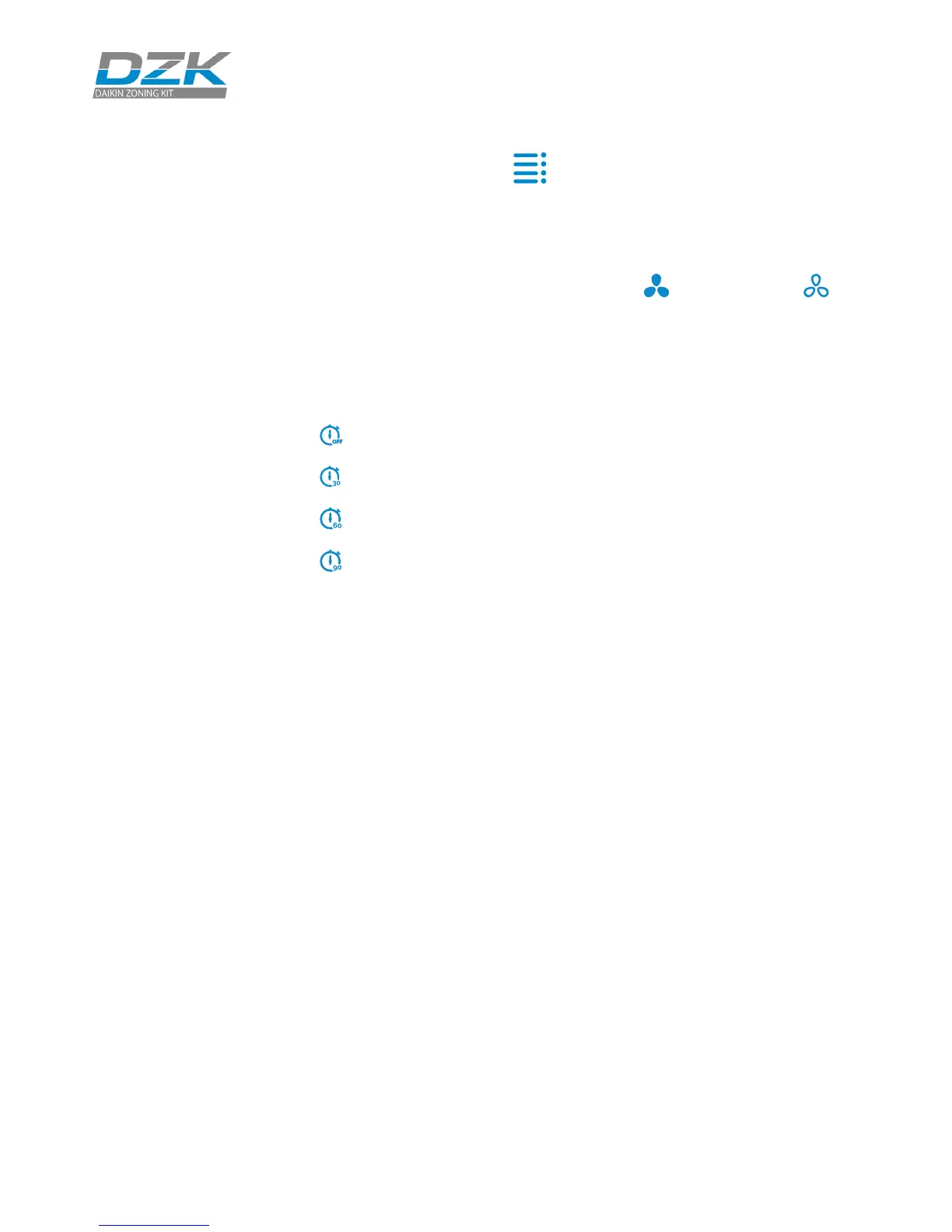
Press on the icon Setting Menu to access the parameters.
Timer. It is an auto power-o timer of the zone. You can select:
SETTING PARAMETERS
O. Timer is not activated.
30. Thirty minutes after its activation, the zone will turn o.
60. Sixty minutes after its activation, the zone will turn o.
90. Ninety minutes after its activation, the zone will turn o.
Local Ventilation. This option allows activation or deactivation of
the ventilation in the selected zone when the system is not actively cooling or
heating any of the zones.
Important
In Heat Pump installations,
it is recommended not to
activate the global and local
ventilation in a DZK zoning
box connected to the master
indoor unit. It may cause the
Stop user mode to turn o
the rest of the DZK zoning
box.
Information. This parameter provides information on:
• Zone: rmware, zone, association, actuator or status of the communications.
• System: rmware, settings and information about the system controllers.
• Devices: It displays the elements connected to the system.
Zone navigation. Zone navigation will be available only when the Main
thermostat is in error. Through the “All zones” option, you can access the Set
point, Mode, User mode and Airow parameters and modify them.



 To Next Page