C313W-2 Indoor Monitor Administrator Guide
AKUVOX SMART INTERCOM www.akuvox.com
77
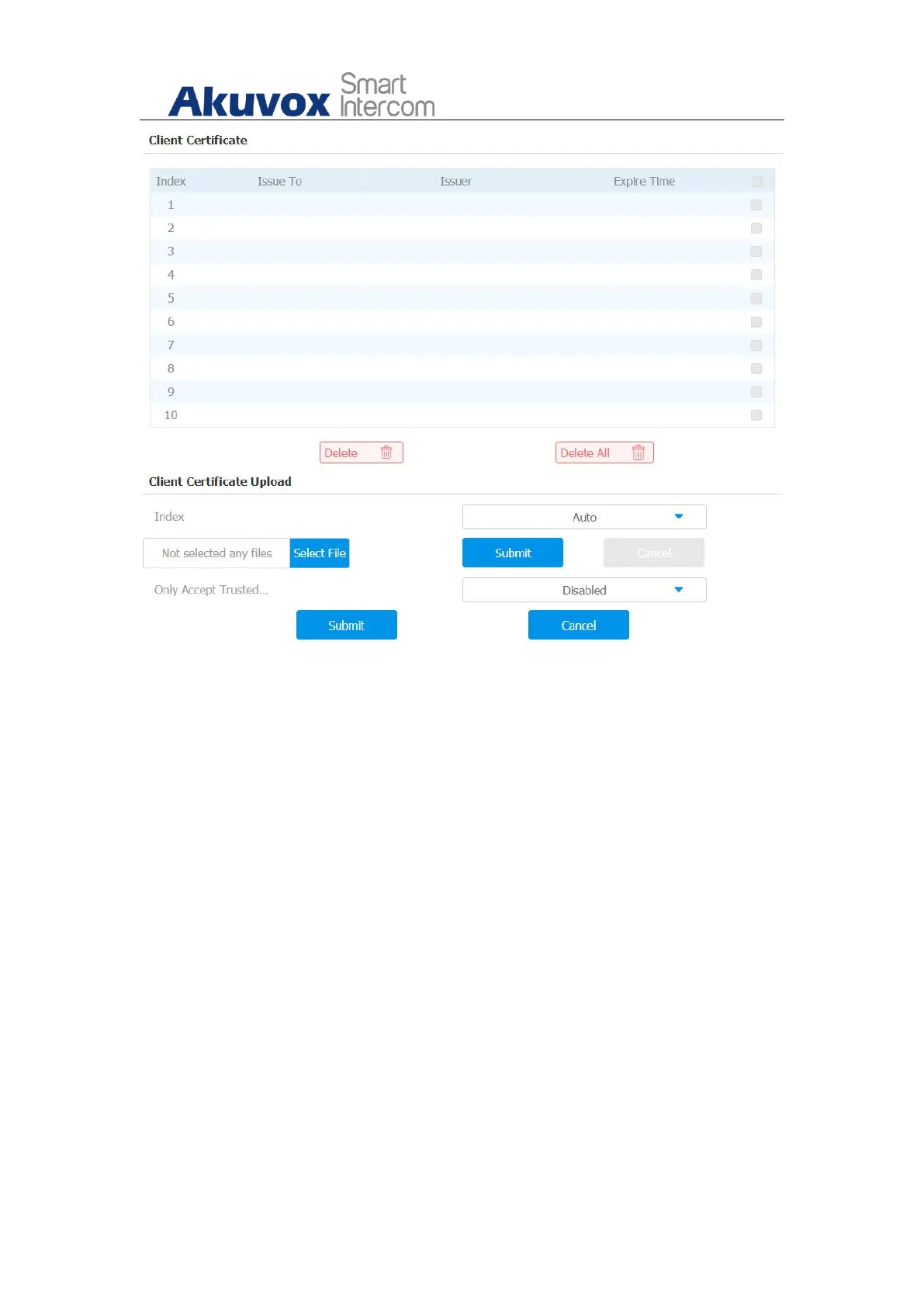
Parameter Set-up:
Index: Select the desired value from drop-down list of Index. If select
Auto value, the uploaded certificate will be displayed by numeric order. If
select value from 1 to 10, the uploaded certificate will be displayed
according to the value that user selected.
Select File: Click Choose file browse local drive, and locate the desired
certificate. (*.pem only)
Only Accept Trusted certificates: If select Enabled, as long as the
authentication success, the phone will verify the server certificate based
on the client certificate list. If select Disabled, the phone will not verify
the server certificate no matter whether the certificate is valid or not.


 To Next Page
 Loading...