22 A-61904 September 2018
3 Scanning
Long paper
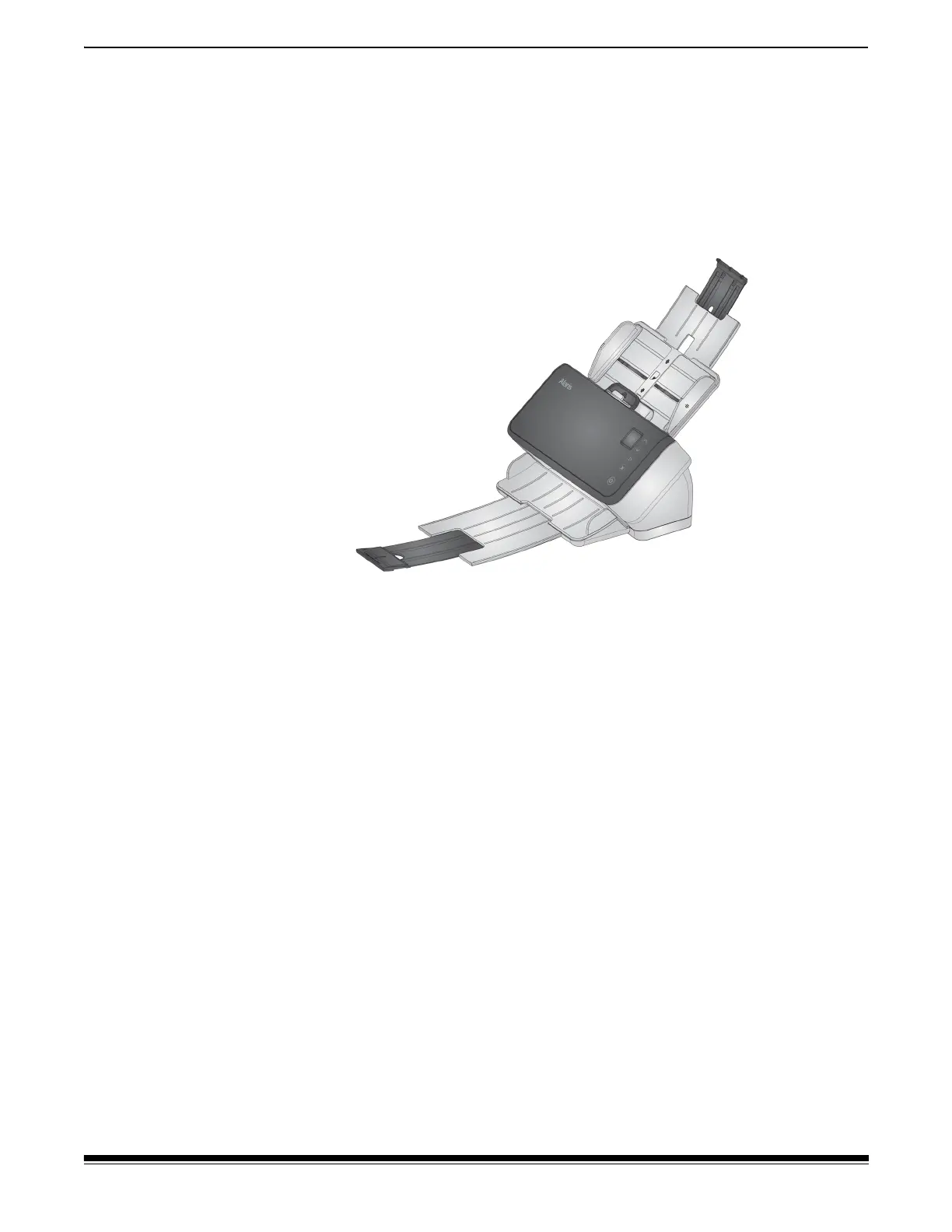
1. Provide support to the input stack. For long paper, extend the input
tray as far as possible. Give additional support to very long paper by
hand, if needed.
2. Set the output tray length at the maximum. Do not raise the end
stop.
3. If you gently pull the output tray past its detent, the far end will drop,
which enhances stacking of long pages.



 To Next Page