40 A-61904 September 2018
4 Maintenance
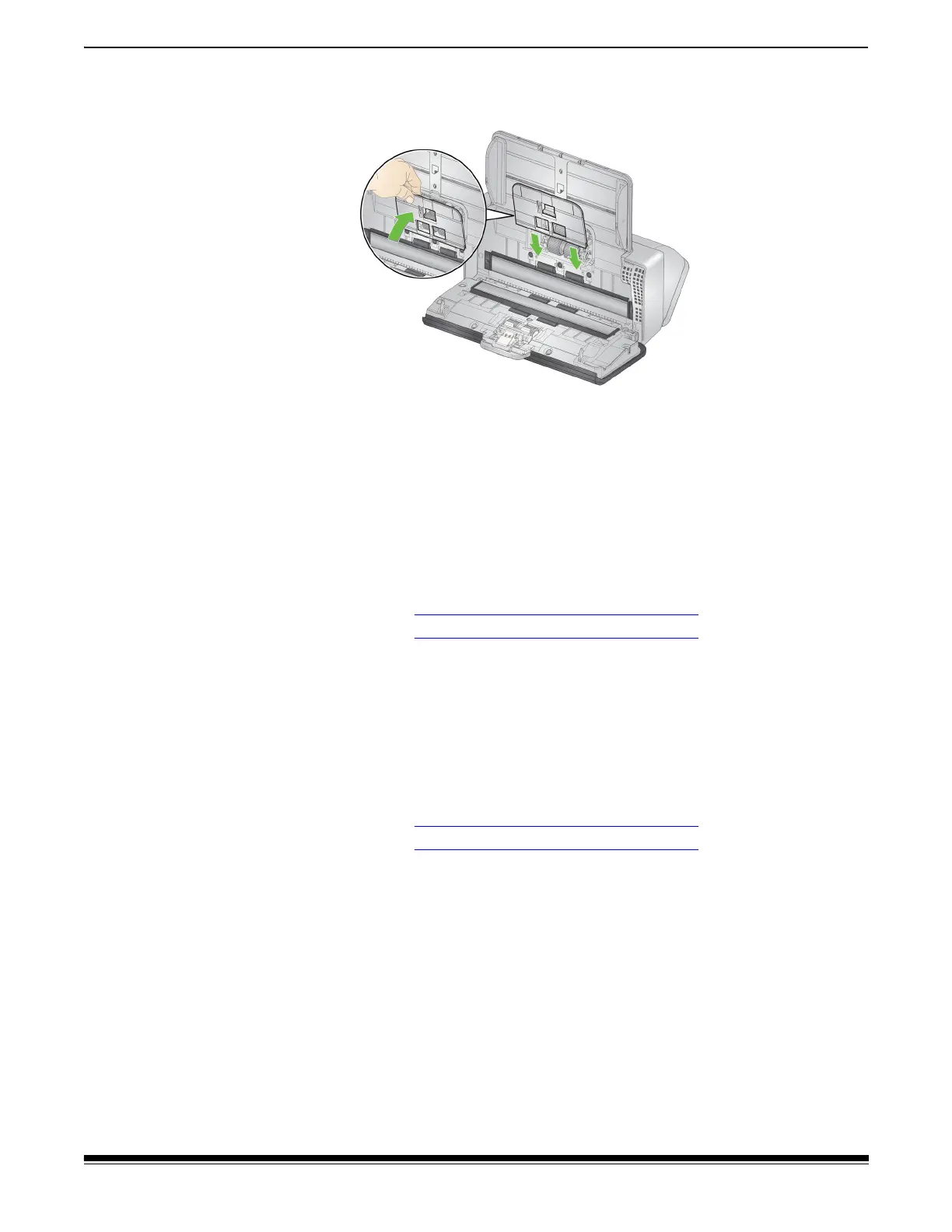
4. Reinstall the feed roller cover by positioning it around the paper
present sensor, aligning the bottom edge of the cover with the
scanner, and pushing it back into position until it snaps into place.
Supplies and Consumables
Customer Replaceable Parts and Accessories
For a full list of scanner cleaning supplies, consumables, accessories,
and maintenance guidelines; refer to the support page for your scanner
(below) and click on “Supplies.”
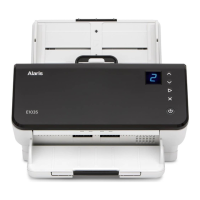
E1025:
www.AlarisWorld.com/go/E1025support
E1035: www.AlarisWorld.com/go/E1035support
Contact your scanner supplier to order supplies.
Updates
The drivers and internal firmware for your scanner can be updated by
you. Find the latest driver and scanner firmware downloads here:
E1025:
www.AlarisWorld.com/go/E1025support
E1035: www.AlarisWorld.com/go/E1035support
Go to the About screen in the TWAIN or ISIS driver to find the driver
version installed on your computer. More recent versions normally
contain problem fixes and may also have feature enhancements.



 To Next Page