8 89
Please note that you can reach significantly higher speeds than cruise mode allows if cruise
mode is deactivated and the e-motion is in freewheeling mode (e.g. when riding down-
hill). In this situation, if you activate cruise mode using the control unit, the speed will be
reduced very abruptly to the maximum cruising speed. There is an increased risk of falling
forwards out of the wheelchair.
The individual gradations of the speed dial can be set individually via the e-motion Mobility app. In
this regard, please read the relevant explanations in the e-motion Mobility app operating manual.
If the difference between the current travel speed and the maximum cruise mode speed is too high
(more than approx. 4 km/h), the cruise mode cannot be activated using the control unit.
6. Emergency stop in hazardous situations
Every wheelchair user is trained to bring their wheelchair to an immediate stop in hazardous situations by brak-
ing it using its push rims.
To bring your wheelchair to a quick and safe stop in hazardous situations when using cruise mode, there are two
options:
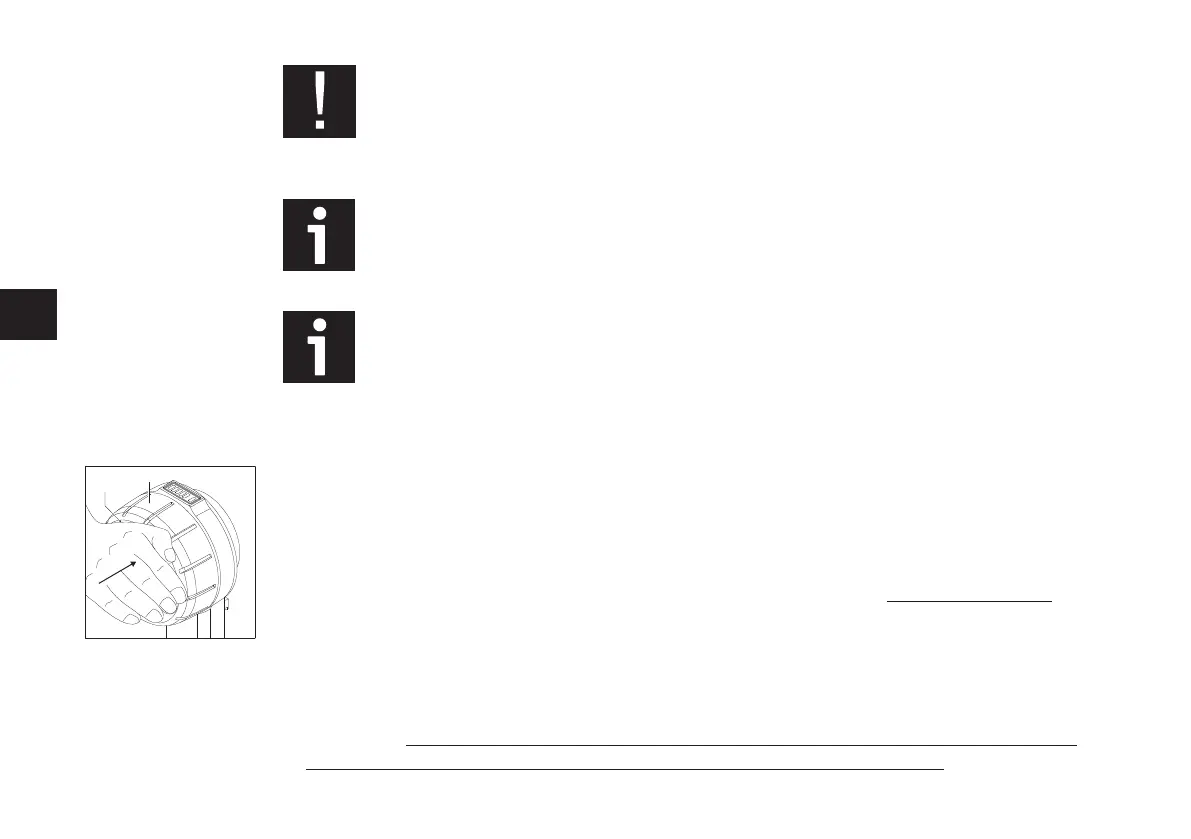
• Press the outer surface of the On/Off button [15]. This causes both e-motion wheels to switch to freewheel-
ing mode with power assistance. However, the control unit is not switched off; it remains switched on!
• Once you have done this, use the push rims to brake the wheelchair and bring it to a complete stop as
quickly as possible.
• Alternatively, in hazardous situations the wheelchair can be braked directly by using the push rims of the
two e-motion wheels. To do this, simultaneously move the push rims against the direction of travel. This
causes both e-motion wheels to switch to freewheeling mode with power assistance. The control unit is not
switched off; it remains switched on! It may be necessary to move the push rims against the direction of
travel for a longer period of time (approx. 1 second) in order to switch off cruise mode.



 To Next Page