English
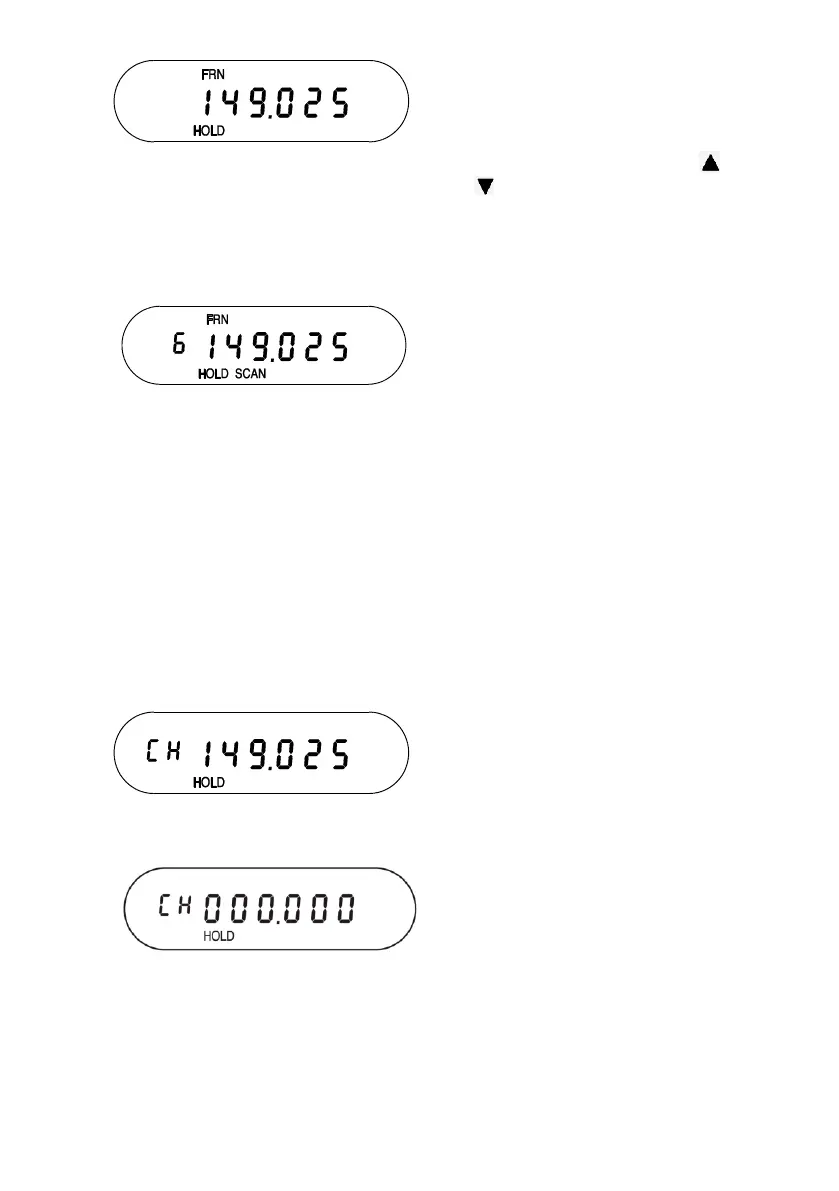
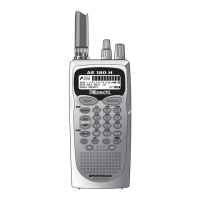
The screen cycles between two
displays. The first screen
shows that channel 6 is the
lowest available channel on the
Freenet (FRN)
bank (press
or to select a different
channel) and the second
screen shows that frequency
149.025 is available to be
programmed.
Press
PROG
. The scanner
programs the frequency into
the indicated channel and then
goes into SCAN HOLD mode.
Press
HOLD
to release the
Hold and continue scanning the
rest of the programmed
channels starting with the
channel you just programmed.
Deleting a Programmed Frequency (programming “000.0000”)
The easiest method of deleting a frequency you have programmed
is to overwrite it with a null frequency (000.0000).
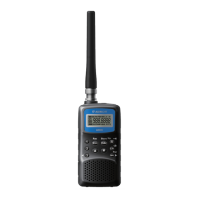
Press HOLD to stop the scanning
and press PROG. HOLD displays
and CH displays and flashes.
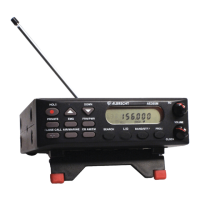
Press and hold L/O
for 2.5 seconds.
Frequency changes to 000.0000
and CH continues flashing.


 To Next Page