EasyManua.ls Logo

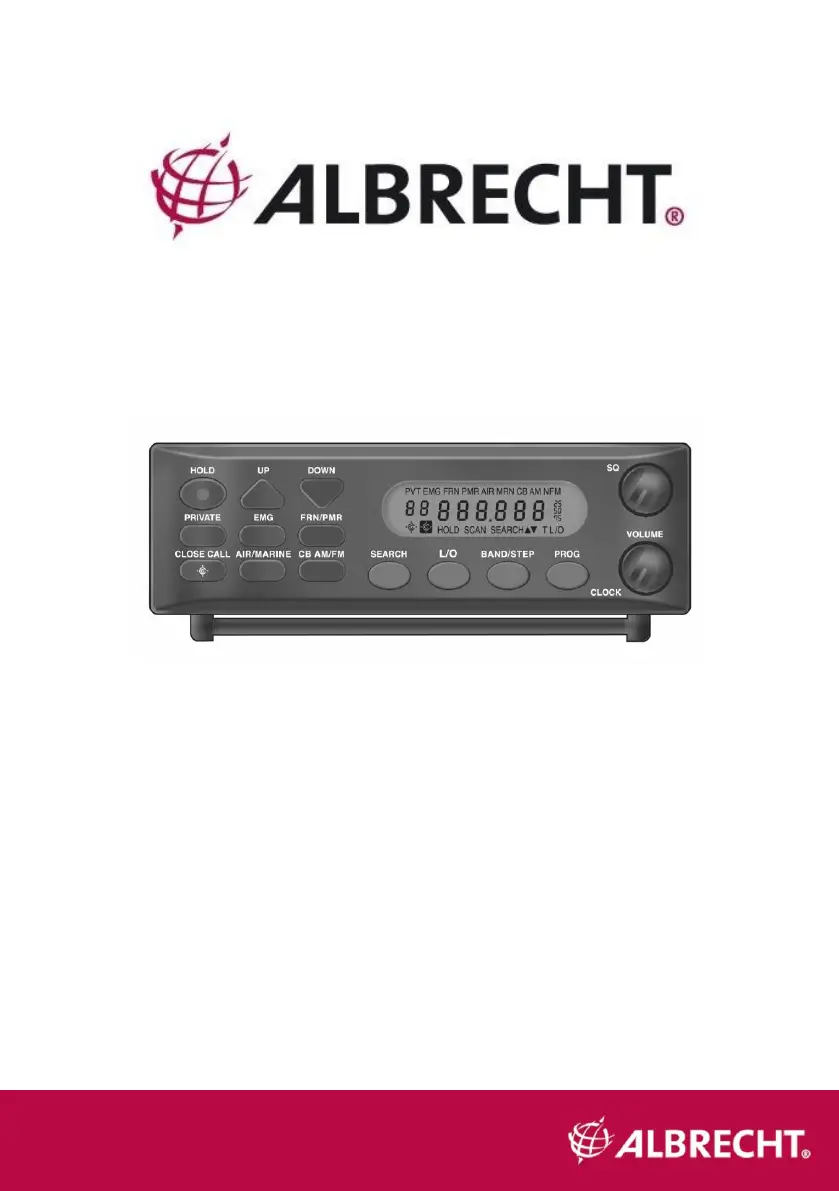
Albrecht AE355M - User Manual

Albrecht AE355M
120 pages
Go to English
Print Icon
To Next Page IconTo Next Page
Loading...
Deutsch
1
AE355M Scanner
Bedienungsanleitung
Deutsch / English / Français

Table of Contents

Questions and Answers

  • J
    Jordan SalinasJul 27, 2025
    Why is my Albrecht Scanner not working?
    • A
      Audrey GarciaJul 27, 2025
      If your Albrecht Scanner isn't working, try these solutions: * Ensure the AC adapter is properly connected at both ends and that the power socket is switched on. If it is not, try another AC wall outlet. * Verify the DC cord or Vehicle Power Adapter is securely connected at both ends. * Check the fuse to see if it has blown and ensure the car DC socket is powered. * Confirm that the power switch is turned on.
  • T
    Tracy CollinsAug 5, 2025
    What to do if my Albrecht Scanner has bad reception?
    • L
      lmasonAug 6, 2025
      If your Albrecht Scanner has bad reception, consider the following: * Check the antenna and its connection. * Try moving the scanner to a different location. * You might be in an area with poor reception. An external multi-band antenna might be needed. Consult with your dealer or a local electronics store for options.
  • N
    nicholas24Aug 16, 2025
    What to do if Scan won’t start on my Albrecht Scanner?
    • S
      Samantha ThomasAug 16, 2025
      If the scan function won't start on your Albrecht Scanner, try the following: * Press the bank key again. * Adjust the Squelch Control. * If using a PRIVATE bank, ensure frequencies are programmed into it before use. * Check if all channels are locked out, which might mean none of the programmed frequencies are active. Try the band search.

Summary

Important Information

Warning

Safety warning regarding water and electrical hazards.

Legal use of a scanner

Information on the legal aspects of using a scanner.

Installing the AE355 M Scanner

Home Use (Desktop Installation)

Instructions for setting up the scanner for desktop use.

Mobile Use

Guidelines for installing the scanner in a vehicle or boat.

Scanner Operation Overview

Using your AE355 M Scanner

Adjusting Squelch

Guide on how to properly adjust the squelch control.

Operating Modes

Close Call

Close Call Priority

Mode for checking nearby transmissions every 2 seconds.

Setting Up Close Call Modes

Setting Close Call (C-C) band Options

Setting Close Call (C-C) alert - Options

Programming Frequencies and Channels

Programming a Channel

Deleting a Programmed Frequency (programming “000.0000”)

Program Lock Feature

Select Step Frequency

Clock Mode

Troubleshooting Guide

Changing Band Plan

Memory Reset

Albrecht AE355M Specifications

General IconGeneral
TypeHandheld Scanner
Frequency Range25-1300 MHz
Channel Memory200
Channels200
Dimensions220 x 130 x 40 mm
Weight400 g
Modulation TypesAM, FM
Channel Steps5, 6.25, 10, 12.5, 20 kHz

Related product manuals