WEBUI Select Database > Backup and Restore, and on the Database Backup and
Restore window, click
Force Restore.
Supporting procedures
Replacing System Components
Replacing the User Panel
....................................................................................................................................................................................................................................
....................................................................................................................................................................................................................................
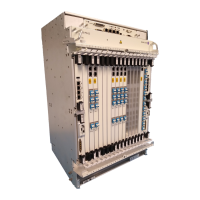
1830 PSS-36/PSS–32/PSS-16/PSS-4
8DG60888CAAA Release 3.6.0 and 3.6.1
Issue 1 June 2011
3-39
E ND OF STEPS
...................................................................................................................................................................................................


 To Next Page
 Loading...