PODD – Installation, Operation and Maintenance Manual
A l e n c o n S y s t e m s L L C - P a g e | 23
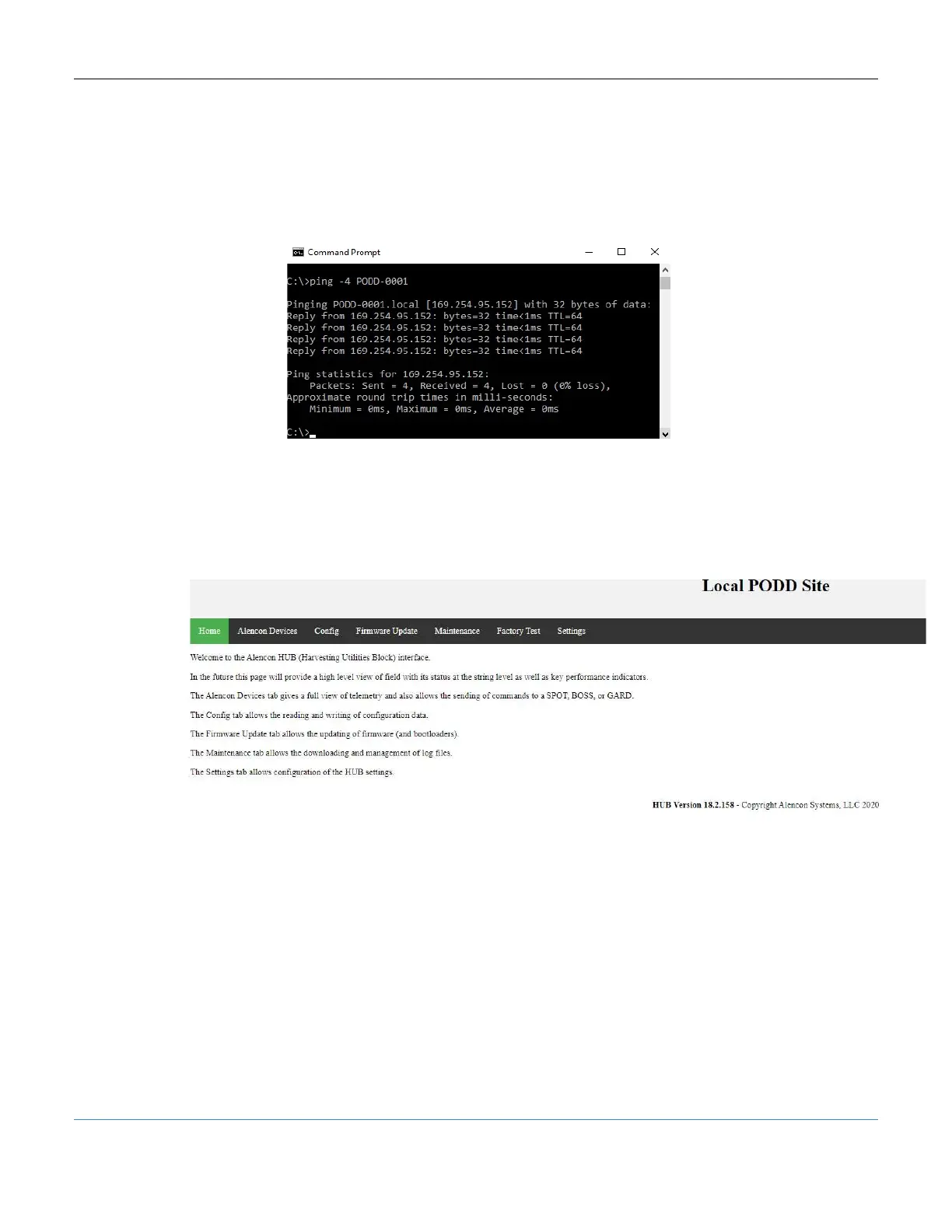
2. Locate the serial number of the PODD from its physical label. Look at the last four
digits of the serial number and try to ping the PODD through the following
command: ‘ping -4 PODD-xxxx’ where the ‘xxxx’ will be the last four digits of its
serial number. The PODD IP address should appear
Figure 20: Command to find PODD IP address
3. Locate the IP address of that PODD and type the IP address followed by :8888
(ex. 123.456.789.012:8888) into the url bar of your favorite web browser. The
PODD site should be accessible and the PODD install complete.
Figure 21: PODD IP address and Port in Web Browser



 To Next Page