PODD – Installation, Operation and Maintenance Manual
A l e n c o n S y s t e m s L L C - P a g e | 33
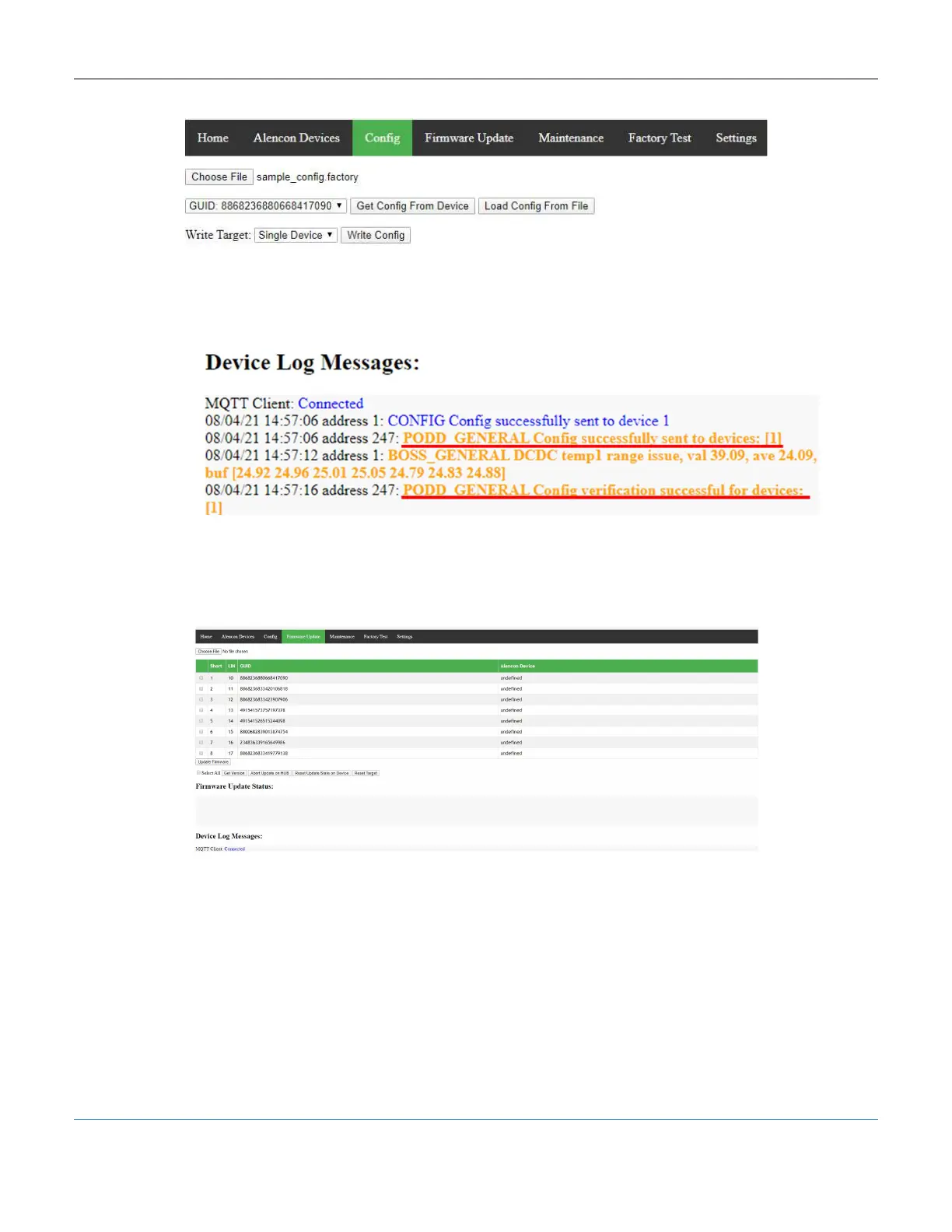
Figure 33: PODD Site, Configuration Tab – Write Config
5. Look for log messages that confirm the configuration is successfully sent and verified
on the device.
Figure 34: PODD Site – Write Config – Log Messages
10.7 Firmware Update Tab
The Firmware Update tab allows the user to update the firmware installed on the
Alencon device over the network.
Figure 35: PODD Site, Firmware Update Tab
10.7.1 Steps to Update Firmware on Your Alencon Device
Alencon may release newer firmware versions that fix bugs or add new features. Please
follow the below instructions carefully to update your Alencon devices.
You will be provided with a set of files required to update the firmware on your Alencon
device if need. Alencon recommends that you upgrade all processors and all
devices in a field with the same firmware version to ensure compatibility within
and between devices.



 To Next Page