PODD – Installation, Operation and Maintenance Manual
A l e n c o n S y s t e m s L L C - P a g e | 27
10 PODD Site
Every PODD comes pre-loaded with a website based user interface that is accessible
through any PC connected on the same network as the PODD. The software allows
interaction from a PC to a given Alencon device (including the SPOT, BOSS or GARD).
10.1 Introduction
This document describes the uses and benefits of the PODD Site application, including
the following functionality:
Telemetry Viewing
Telemetry Logging
Command Sending
Configuration Setting and Retrieval
Log Message Display
Firmware Update
Modbus TCP Server
10.2 Version
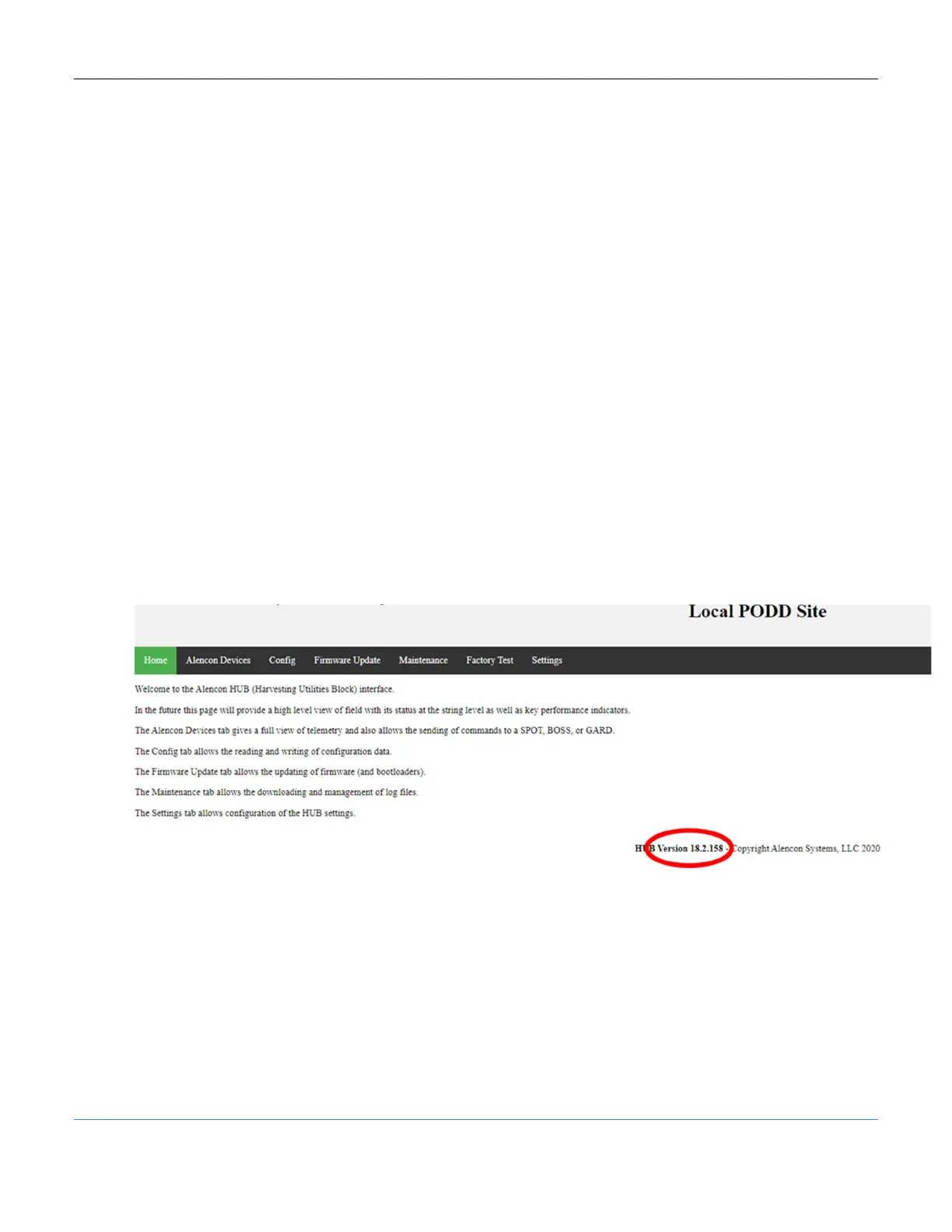
This manual is meant for use with PODD Site Version 18 and newer. You can always
see the version you are using from the Home screen:
Figure 25: PODD Site Home Screen, Firmware Version Highlighted
10.3 Accessing the PODD Site
The PODD site is accessed from a Windows PC using the IP address of the PODD
which can be found by scanning your local network. The detailed explanation of
connecting to and accessing the PODD Site can be found in section 7.6 above.



 To Next Page