23
(4.5) Connecting to a Bluetooth® Device
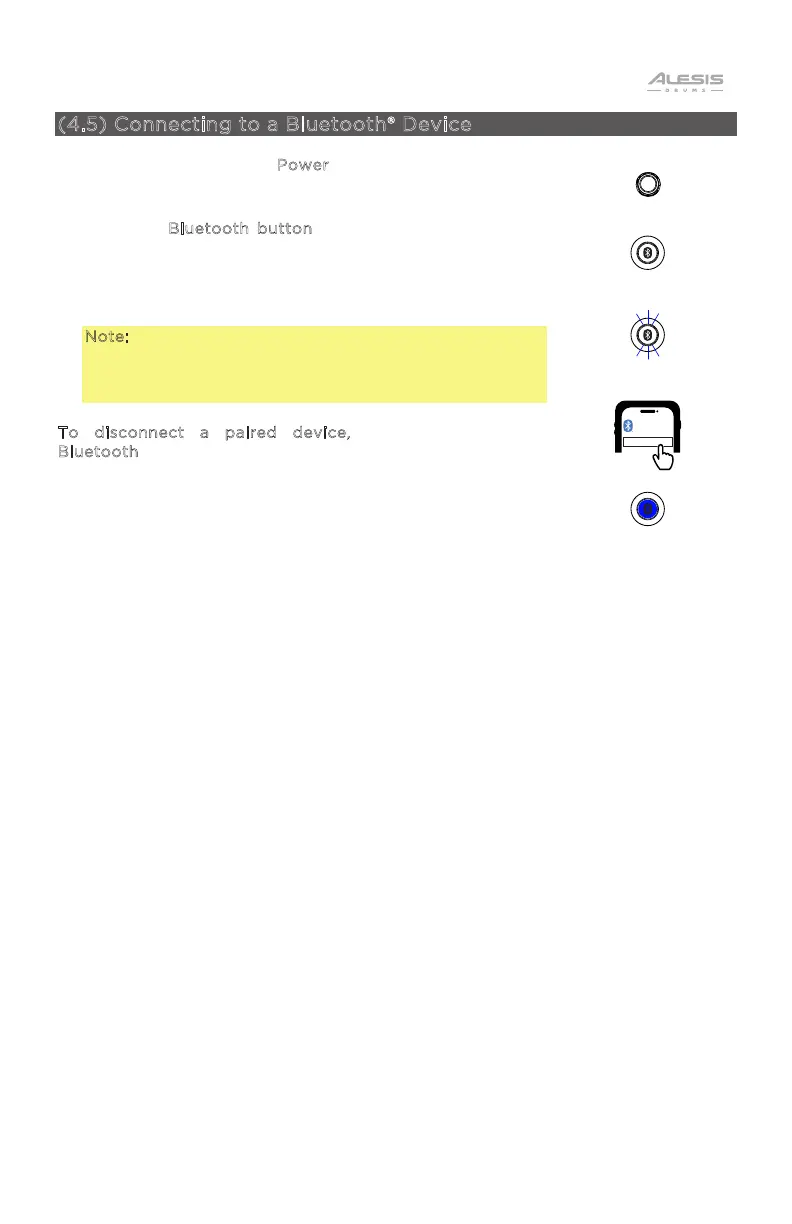
1. Press and release the P
ower button to power on the
Nitro Max drum module. When no Bluetooth device is
connected, the Bluetooth button LED will be o.
2. Press the B
luetooth button to enter pairing mode. The
Bluetooth button LED will flash.
3. Navigate to your device’s Bluetooth settings and select
Alesis Nitro Max. Once your device has been paired, the
Bluetooth button LED will be fully lit.
Note: If the Bluetooth button is pressed again, pairing
mode will be canceled, and the LED will return to the
previous state (paired with the previous device or no
device).
T
o disconnect a paired device, press and hold the
B
luetooth button again.
Press and release
POWER
Press
Flashing LED = Pairing mode
ALESIS NITRO MAX
BLUETOOTH
Solid LED = Paired


 To Next Page