Diagnosis
Operating Instructions
System self-testing consists of 5 parts: test 1 ~ test 5. Use the following control buttons to switch
between the tests.
z Hold down the [SUSTAIN] button, then press [OCT+] to switch to the next test item.
z Hold down the [SUSTAIN] button, then press [OCT-] to go back to the previous test item.
Test 1: Version Number
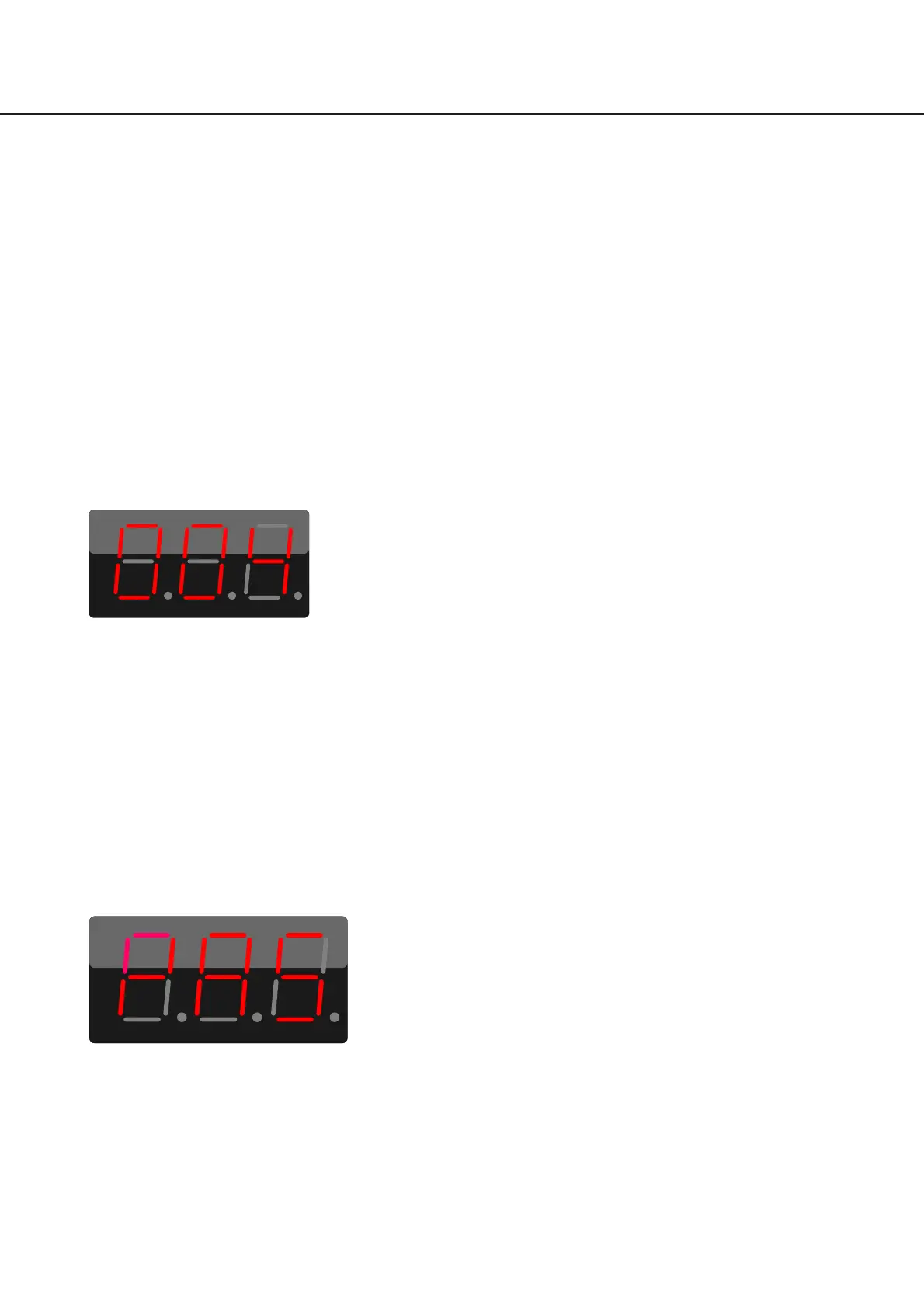
When it enters system self-testing, it will automatically check the version number. The display shows the
current version number. For example, “004” indicates the current version is V0.0.4.
After checking the version number, hold down the [SUSTAIN] button, then press [OCT+] to switch to
Test 2 (LED).
Test 2: LED
The display and all LEDs (except the pads) will light up. Press the [OCT+] button to switch the light color:
RED→GREEN→BLUE→WHITE→BLACK.
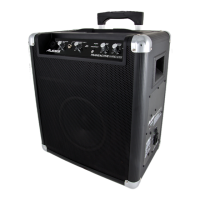
After checking the LED, the display will show “PAS”,hold down the [SUSTAIN] button, then press [OCT+]
to switch to Test 3 (Function Buttons)
Test 3: Function Buttons
When it enters Test 3, the display will show “F01”.
29



 To Next Page