12
Operation
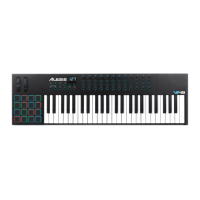
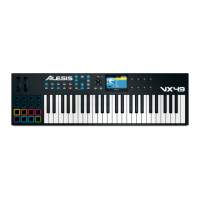
This chapter describes how you can use VX49 in your studio or performance setup.
Read Setup Scenarios to learn how VX49 can function with software or hardware (with or without a DAW,
with or without VIP, etc.).
Read Display and Navigation to get a better understanding of VX49’s full-color display and how to move
through its various menus and panels.
Read Basic Functions to learn how to do some simple tasks with VX49.
Read Modes to learn about each of VX49’s modes, which let you browse and select your plugins and
patches, assign/edit controllers and parameters, adjust global settings, and more.
Read Timing Functions to see an overview of VX49’s time-related features. This section also describes how
to configure the settings for the Arpeggiator and Note Repeat (Roll) features.


 To Next Page