18
Modes
VX49 has ten different modes of operation. Enter each mode by pressing its corresponding mode button (or
Shift and the button, if it is a secondary button command). Note that a mode’s appearance may depend on
whether or not you are using the VIP software.
Click a link below to jump to the description of that mode:
Main Mode Control Mode Multi Mode
Setup Mode Control Edit Mode Multi Edit Mode
Browser Mode MIDI Mode
Global Mode MIDI Edit Mode
Main Mode
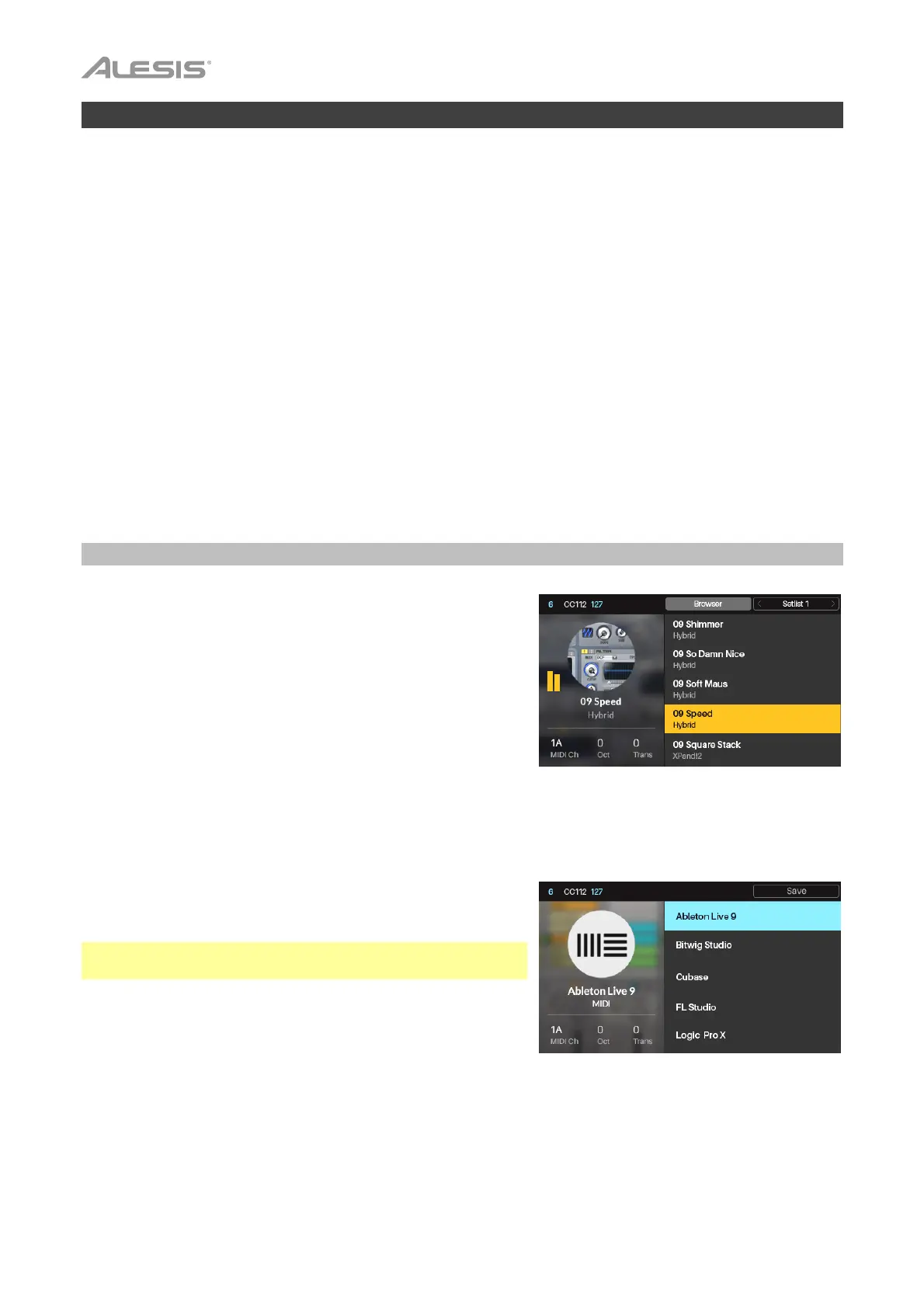
When using VX49 with VIP, Main Mode shows a list of the
available patches for your plugins in VIP.
To navigate this mode:
• Use the Cursors to move between different fields and tabs.
You can change some global settings in this mode (MIDI
channel (MIDI Ch), octave (Oct), and transposition (Trans)),
as well.
• Use the Data Dial to move through the list of patches or to
change a value or setting.
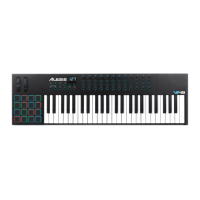
When VX49 without VIP, Main Mode shows a list of available
presets that let you use VX49 to control your DAW. This is the
same as in Setup Mode.
Note: When using VX49 with VIP, press Shift and the Main
(Setup) mode button to access this Setup Mode.
To navigate this mode:
• Use the Cursors to move between different fields and tabs.
You can change some global settings in this mode (MIDI
channel (MIDI Ch), octave (Oct), and transposition (Trans)),
as well.
• Use the Data Dial to move through the list of patches or to change a value or setting.
See the following sections to learn more about using Main Mode.


 To Next Page