5
Introduction
Box Contents
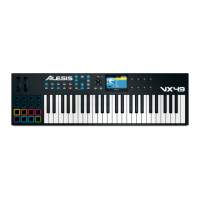
VX49
USB Cable
Software Download Card
Quickstart Guide
Safety & Warranty Manual
Support
For the latest information about this product (system requirements, compatibility information, etc.) and
product registration, visit alesis.com.
About This User Guide
This User Guide was written to help you get familiar with the VX49 hardware.
For consistency and to help prevent confusion, we used a uniform set of symbols to show topics of interest
or significance:
Important/Note/Tip: Important or helpful information on a given topic.
Buttons, controls, parameters, and other important items are usually indicated in bold characters.
Examples: Press Multi.
Turn the Data Dial.
Select the Mode field.
Some text refers to other relevant sections, shown in blue, bold italic characters. Click the text to jump to
that part of the User Guide.
Examples: Make sure your VX49 box includes all of the items listed above in Box Contents.
For descriptions of VX49’s controls, please see the Features chapter.
To learn how to change an encoder’s minimum and maximum value, please see Modes >
Control Edit Mode.


 To Next Page