14
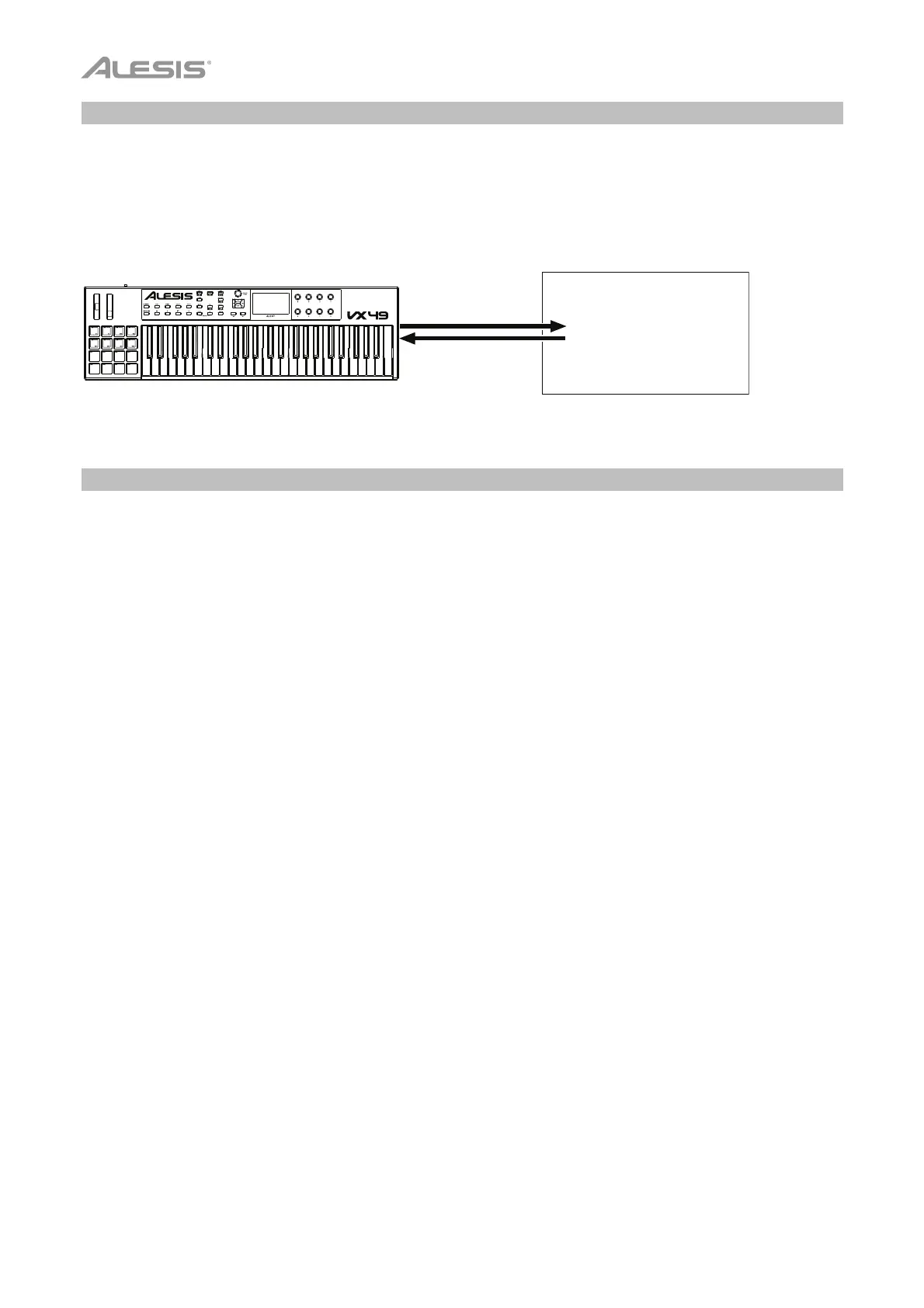
With Your DAW Only
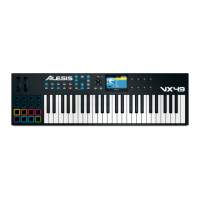
You can use VX49 as a standard USB MIDI controller for your music creation software. We’ve created
presets for several popular DAWs so you can use VX49 with your projects in the most logical and intuitive
way possible. You can use VX49’s MIDI Mode to control your DAW (see the Modes section for more
information).
With External MIDI Equipment (Without a Computer)
You can connect an external MIDI device (synth, drum machine, etc.) to VX49’s MIDI Out, letting you use
VX49 to control it, whether or not you’re connected to a computer. If you aren’t connected to a computer,
though, remember to power VX49 externally (see Features > Rear Panel > Power Input). You can use
VX49’s MIDI Mode to control your external MIDI device (see the Modes section for more information).
Digital Audio
Workstation (DAW)
MIDI Mode


 To Next Page