About your monitor | 13
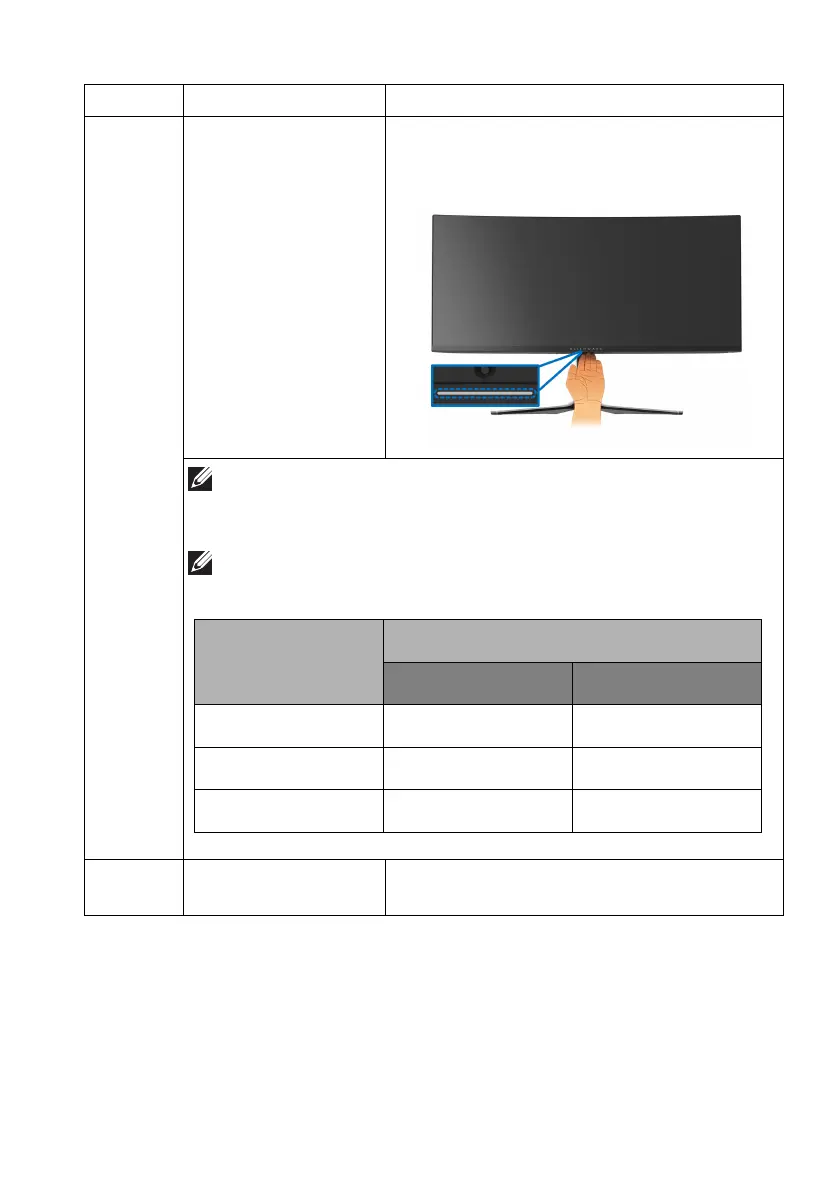
3 Downlights When the monitor setup is complete, tap the
touch sens
or at the bottom of the display to
turn the downlights on or off.
NOTE: The factory setting is on, so the downlights are active
if the power cable is connected. To change the default
settings, see AlienFX Lighting.
NOTE: When Lighting Effects, such as Spectrum, Comet, or
Rainbow Cycle, is activated, the downlights are turned off.
Monitor state
Downlights status
When Lighting Effects is
deactivated
When Lighting Effects is
activated
On Enabled Disabled
No Signal Enabled Disabled
Standby Disabled Disabled
4 Joystick Use it to control the OSD menu. For more
information, see Operating the monitor.
Label Description Use















 To Next Page