About your monitor | 15
Monitor specifications
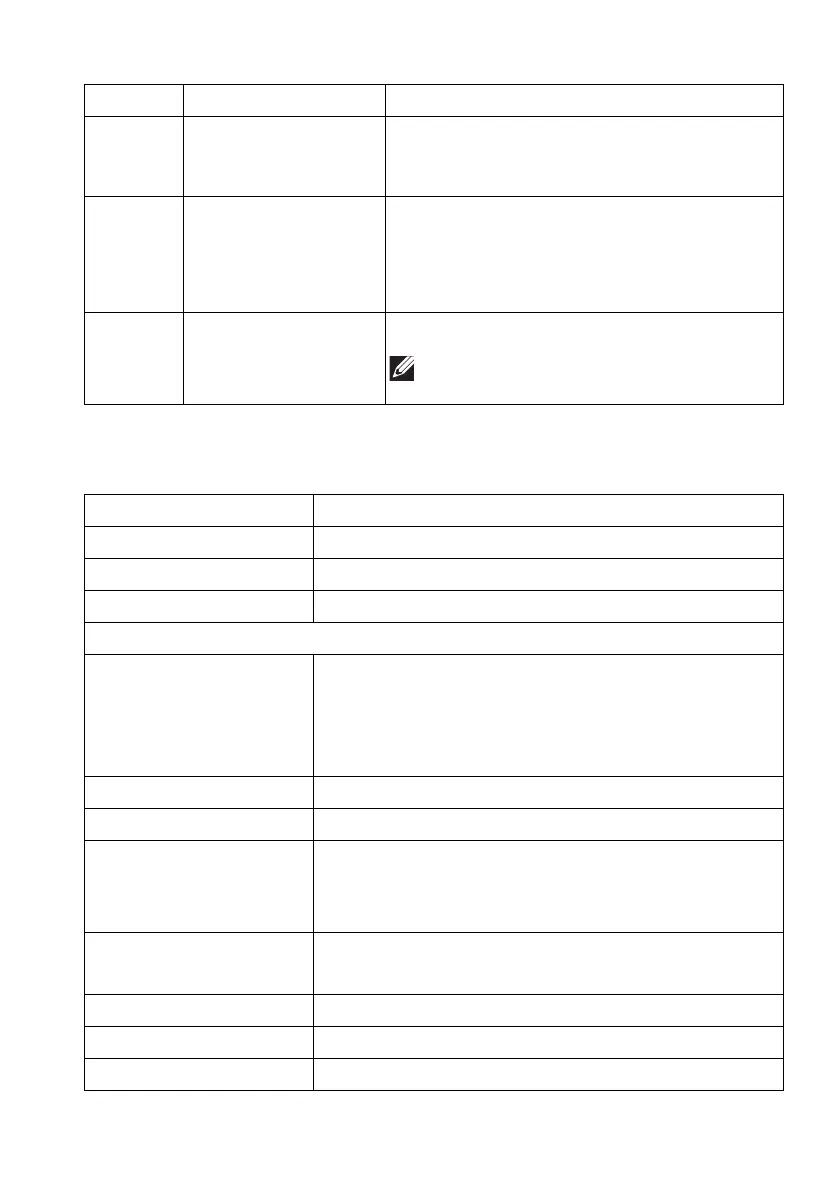
11 HDMI port (HDMI 2) Connect your computer with the HDMI
cable (one HDMI cable is shipped with your
monitor).
12 DisplayPort Connect your computer with one of the
following cables shipped with your monitor:
• DisplayPort-DisplayPort cable
• Mini-DisplayPort-DisplayPort cable
13 Line-out port Connect your speakers.
NOTE: This port does not support
headphones.
Description Value
Screen type Color Active Matrix
Panel technology QD OLED
Aspect ratio 21:9
Viewable image
Diagonal:
Width (active area)
Height (active area)
Total area
868.21 mm (34.18 in.)
800.10 mm (31.50 in.)
337.10 mm (13.27 in.)
269,713.71 mm
2
(418.01 in.
2
)
Pixel pitch 0.23 mm x 0.23 mm
Pixel per inch (PPI) 110
Viewing angle:
Vertical
Horizontal
178° (typical)
178° (typical)
Luminance output 250 cd/m² (typical)
1000 cd/m² (HDR peak)
Contrast ratio 1 million: 1 at (SDR) and (HDR)
Faceplate coating Anti reflection
Backlight OLED
Label Description Use















 To Next Page