18 | About your monitor
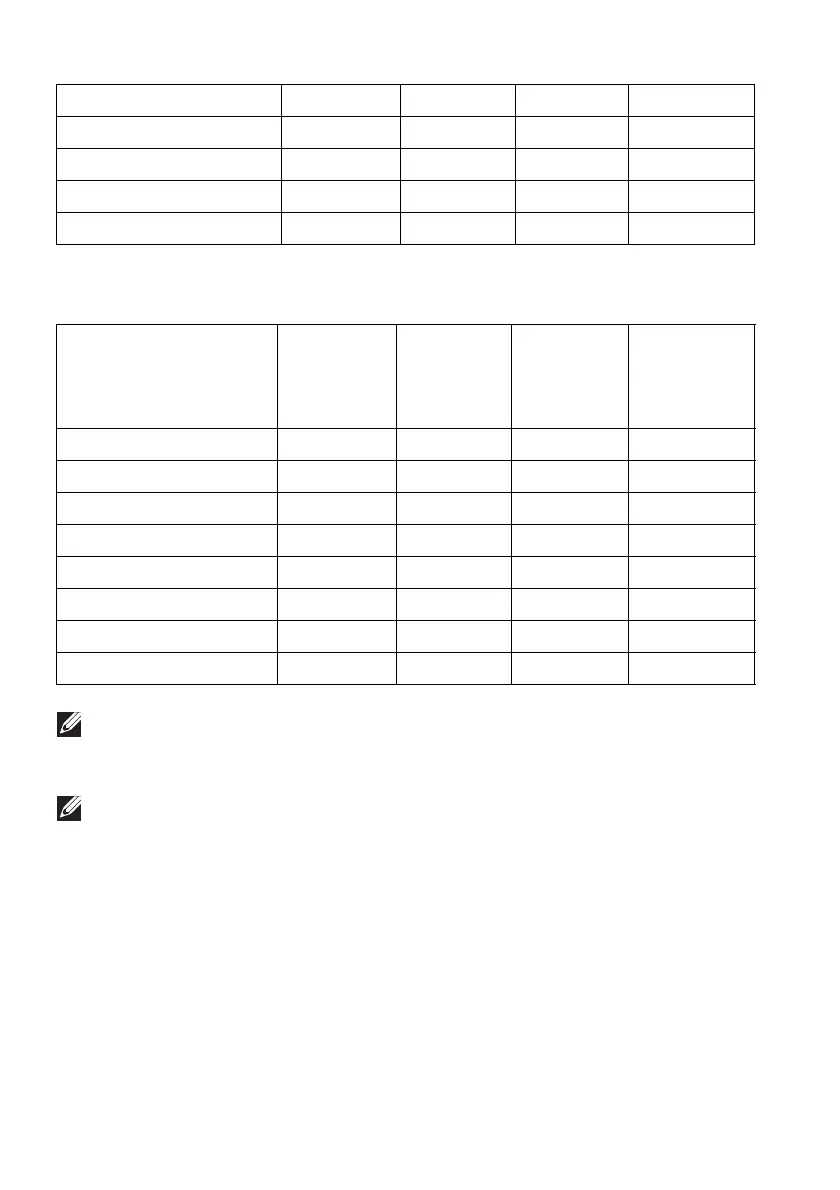
DisplayPort preset display modes
Display mode Horizontal
frequency
(kH
z)
Vertical
frequency
(Hz)
Pixel clock
(MHz)
Sync
polarity
(Horizontal/
Vertical)
NOTE: This monitor supports NVIDIA G-SYNC ULTIMATE. For more
information about the graphic cards that support NVIDIA G-SYNC
ULTIMATE feature, see www.geforce.com.
NOTE: To get the full NVIDIA G-SYNC ULTIMATE functionalities and
experience, ensure that the monitor is directly connected to the HDMI
port or DisplayPort with direct output from NVIDIA graphics card on
your computer.
2560 x 1440 at 60 Hz
88.79 59.95 241.50 +/-
2560 x 1440 at 120 Hz 183 120 497.75 +/-
3440 x 1440 at 50 Hz 73.68 49.99 265.25 +/-
3440 x 1440 at 60 Hz 88.82 59.97 319.75 +/-
3440 x 1440 at 100 Hz 150.97 99.98 543.50 +/-
VESA, 640 x 480 31.50 59.90 25.20 -/-
V
ESA, 800 x 600 37.90 60.30 40 +/+
VESA, 1024 x 768 48.40 60 65 -/-
3440 x 1440 at 60 Hz 88.82 59.97 319.75 +/-
3440 x 1440 at 100 Hz 150.97 99.98 543.50 +/-
3440 x 1440 at 120 Hz 182.98 119.99 658.74 +/-
3440 x 1440 at 144 Hz 222.15 143.97 799.74 +/-
3440 x 1440 at 175 Hz 274.16 174.96 986.99 +/-















 To Next Page