About your monitor | 27
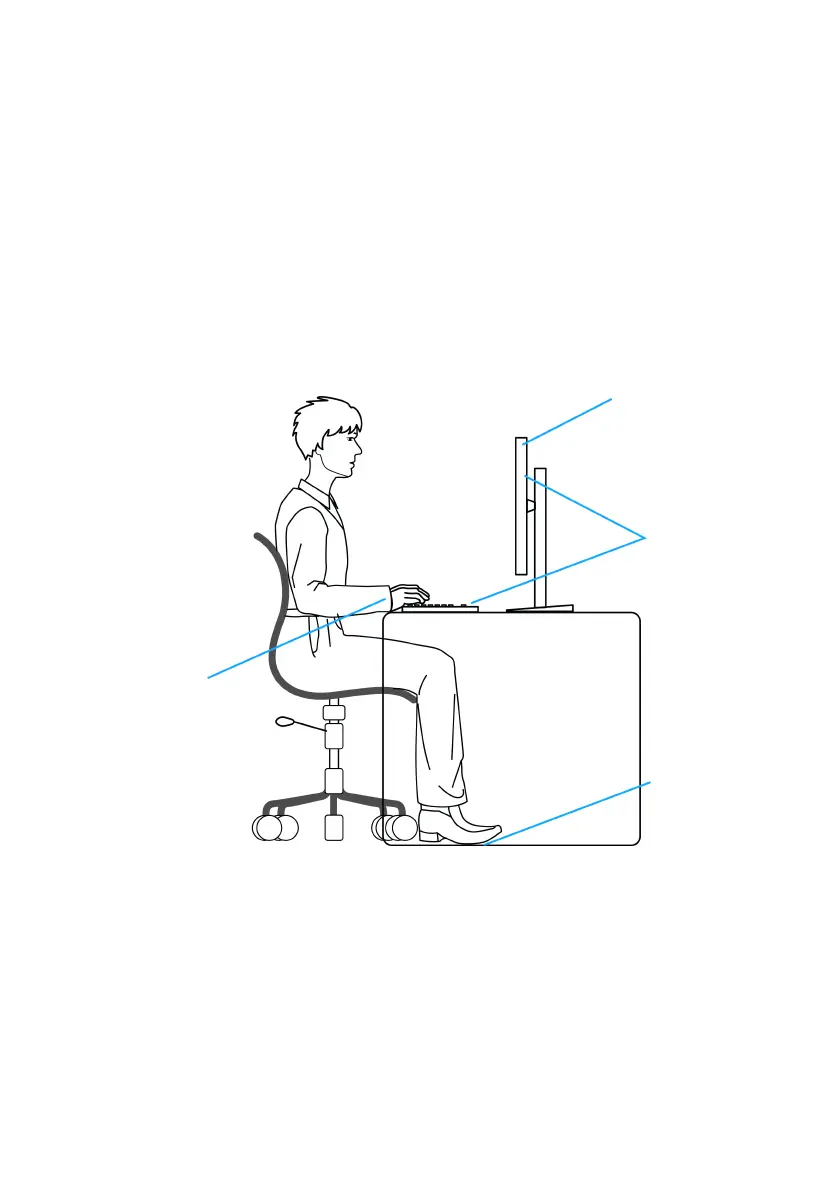
• Let your upper arms rest naturally on both sides.
• Ensure that your feet are resting flat on the floor.
• When sitting, make sure that the weight of your legs is on your feet and not
on
the front portion of your seat. Adjust your chair's height or use a footrest
if necessary to maintain a proper posture.
• Vary your work activities. Try to organize your work so that you do not have
to si
t and work for extended periods of time. Try to stand or get up and
walk around at regular intervals.
• Keep the area under your desk clear of obstructi
ons and cables or power
cords that may interfere with comfortable seating or present a potential trip
hazard.
Monitor screen at or
below eye level
Monitor and
keyboard
positioned
directly in front
of the user
Feet flat on
the floor
Wrists relaxed
and flat















 To Next Page