50 | Operating the monitor
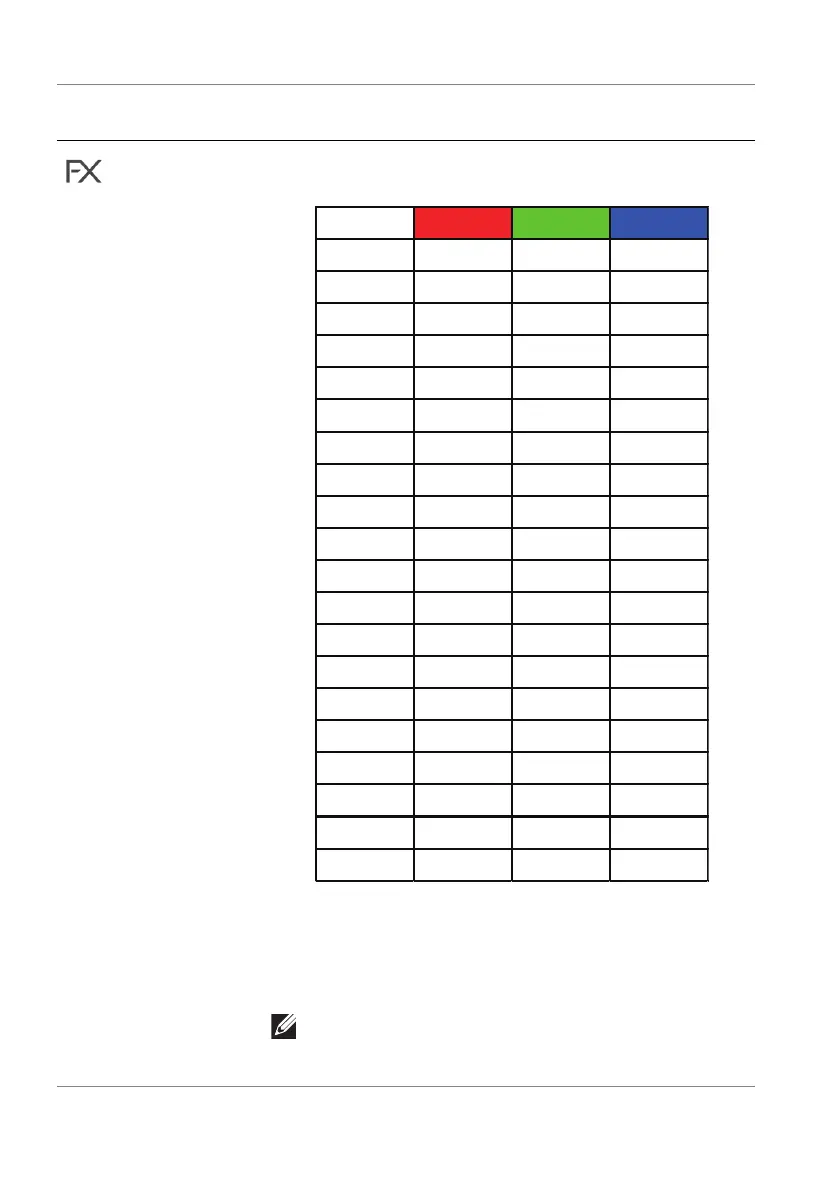
The following table depicts the color number and the
RGB c
odes used for the 20 LED colors.
1 000
2 28 0 178
3 51 0 178
4 178 0 178
5 167 16 113
6 178 0 50
7 178 0 0
8 178 38 0
9 178 63 0
10 178 105 0
11 119 178 0
12 69 178 0
13 40 178 0
14 0 178 0
15 0 178 9
16 0 178 24
17 0 173 121
18 085165
19 0 43 178
20 0 0 178
To turn off the light for All Zones/Zone 1/Zone 2/
Zone 3, se
lect Off.
For Zone 4, you may specif
y to turn off the light when
the monitor is in on or standby mode.
NOTE: These functions are disabled when
Spectrum, Comet, or Rainbow Cycle (under
Lighting Effects) is activated.
Icon Menu and
submenus
Descriptio
n















 To Next Page