48 | Operating the monitor
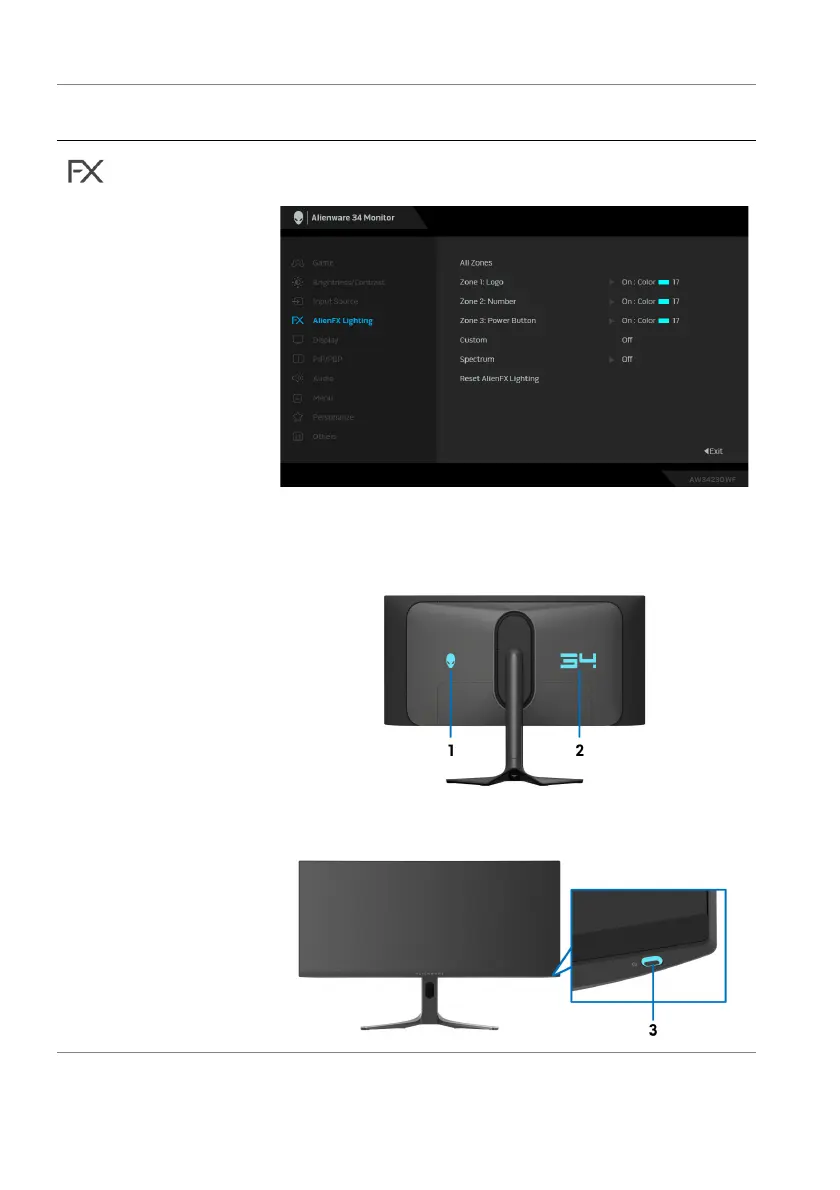
AlienFX
Lighting
Adjusts the LED light settings for the Alienware logo,
number graphic, and Power button.
Before making any adjustments, select any or all of
these 3 zones from the submenus. The following
illustrations indicate the lighting zones.
Icon Menu and
submenu
Description















 To Next Page