Operating the monitor | 49
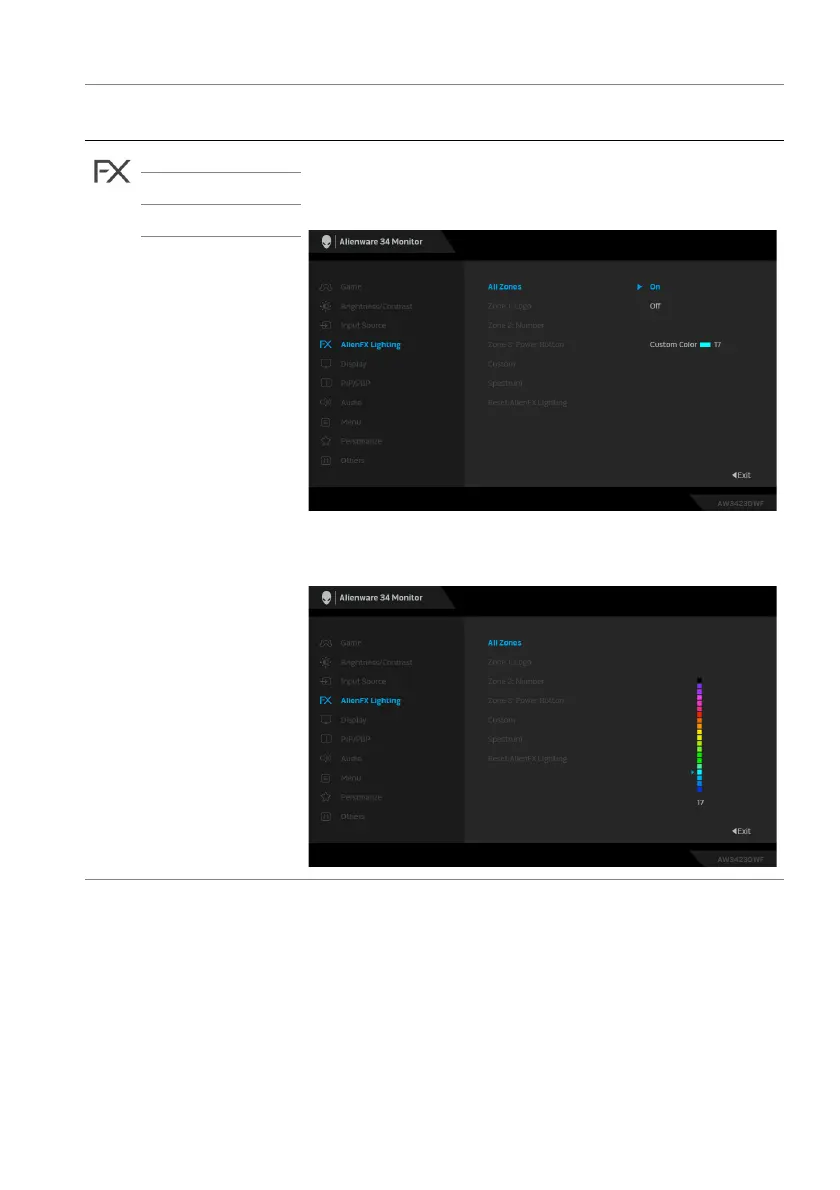
All Zones To specify an LED lighting color for the selected zone,
select On, move the joystick to highlight Custom
Color, and press the joystick to enter its submenu.
Then move the joystick to make a selection from the list
of 20 available colors.
Zone 1: Logo
Zone 2: Number
Zone 3: Power
Button
Icon Menu and
submenu
Description















 To Next Page