52 | Operating the monitor
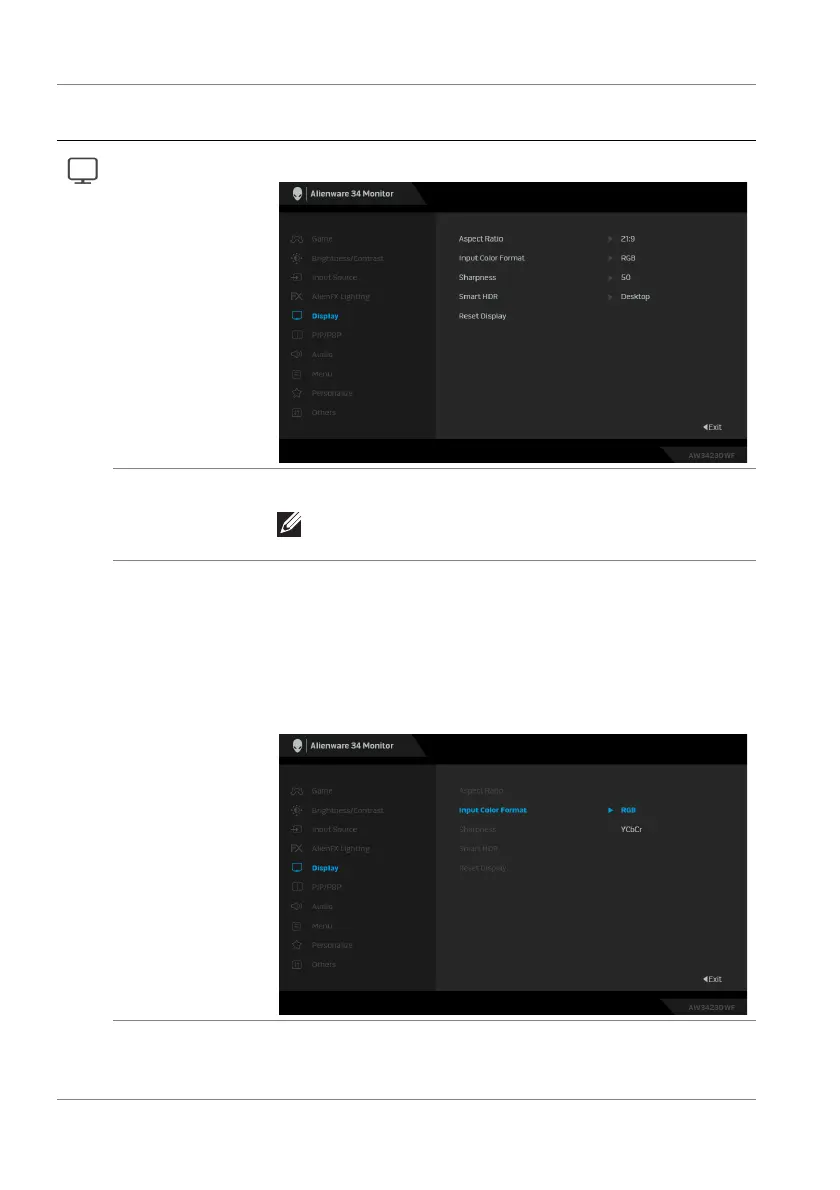
Display Use the Display menu to adjust images.
Aspect Ratio Adjusts the image ratio to 21:9, Auto Resize, or 4:3.
NOTE: The feature is disabled when PIP/PBP is
activated.
Input Color
Format
Allows you to set the video input mode to:
• RGB: Select this option if your monitor is connected
to a computer or a media player that supports RGB
output.
• YCbCr: Select this option if your media player
supports only YCbCr output.
Sharpness This feature can make the images look sharper or
softer. Move the joystick to adjust the sharpness level
from 0 to 100.
Icon Menu and
submenu
Description















 To Next Page