12 | Setting up your gaming mouse
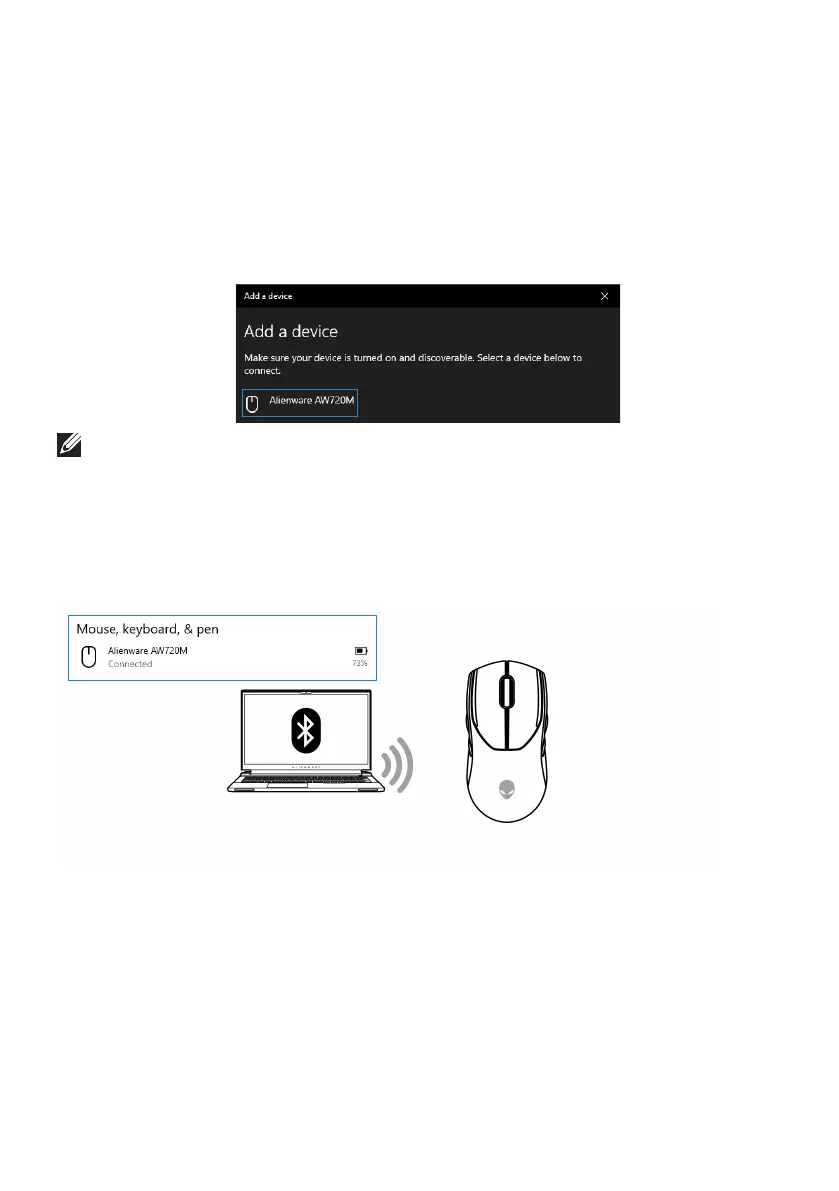
Add Device:
a. In Windows Search, type Bluetooth.
b. Click Bluetooth and other devices settings. The Settings window
appears.
c. Ensure that the Bluetooth is turned on.
d. Click Add Bluetooth or other device > Bluetooth.
e. From the list of available devices, click Alienware AW720M.
NOTE: If Mouse AW720M is not listed, ensure that the pairing mode is
enabled on the wireless mouse.
3. Confirm that both the wireless mouse and the device are paired.
After the wireless mouse and a device are paired, they connect
automatically when Bluetooth is enabled and they are within Bluetooth
range.


 To Next Page