4
Getting Acquainted
1
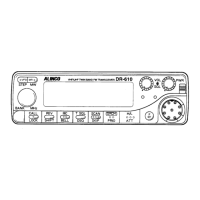
MW FUNC+V/M Programs the data into the memory.
2
DEL FUNC+CALL Delete settings.
3
SHIFT FUNC+MHZ Changes shift directions.
4
LOCK FUNC+TS/DCS
Blocks the keys and dial operation
5
PRI FUNC+H/L Enters to the Priority monitor.
6
SKIP FUNC+SCAN Sets scan skip channels
7
FUNC+MONI Setting memory banks.
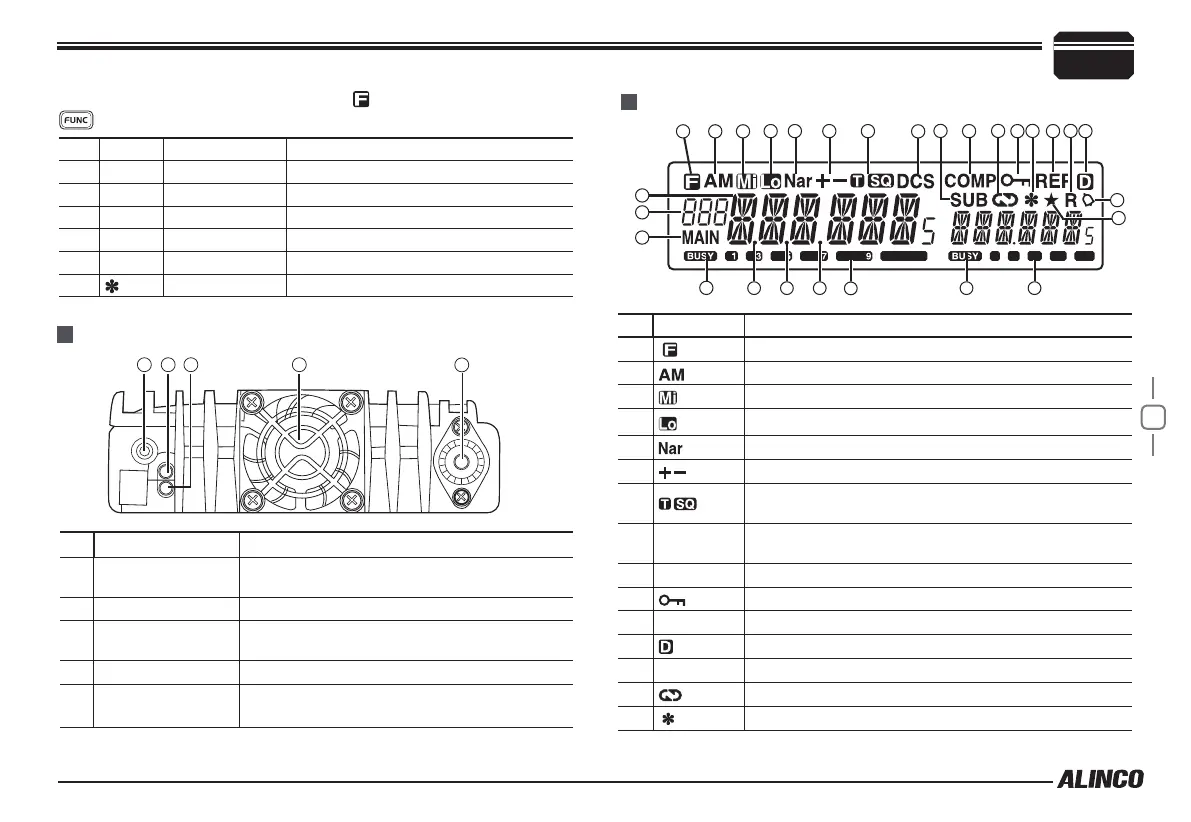
NO. KEY FUNCTION
1
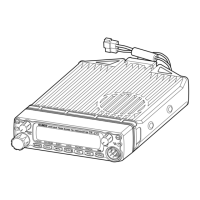
Ext. Power Jack
To Connect optional cable for ignition key On/
Off function.
2
Ext. Dual Speakers To conect external stereo speaker.
3
Antenna
Connector
Connect a 50Ω antenna.
4
Ext.Single Speaker To conect external mono speaker.
5
Fan
Automatically turns on at 45°C, and turns off
when it cools down.
NO. KEY
Å
FUNCTION
1
Appears when press FUNC key.
2
Appears while in AM mode.
3
Appears while using Middle output power.
4
Appears while using low output power.
5
Appears while channel setting in narrow band.
6
Appears while channel setting in offset direction.
7
Appears while channel setting in CTCSS encoding
and decoding.
8
DCS
Appears while channel setting in DCS encoding and
decoding.
9
COMP
Appears while channels setting in voice companding.
10
Appears while open key lock function.
11
REP
Appears while open Cross repeat.
12
Not in use.
13
SUB
Appears while SUB band in Main side.
14
Appears while Channels setting in Scrambler.
15
Appears while open grouping function.
DISPLAY
Rear panel
21
3
4 5
1 2 3 4 5 6 7 8 13 9 14 1015 11 1712
16
18
19
20
21
25
26
22 23 24 25
27
Functions which can be activated while appears, after pressing the
Key


 To Next Page