Setup
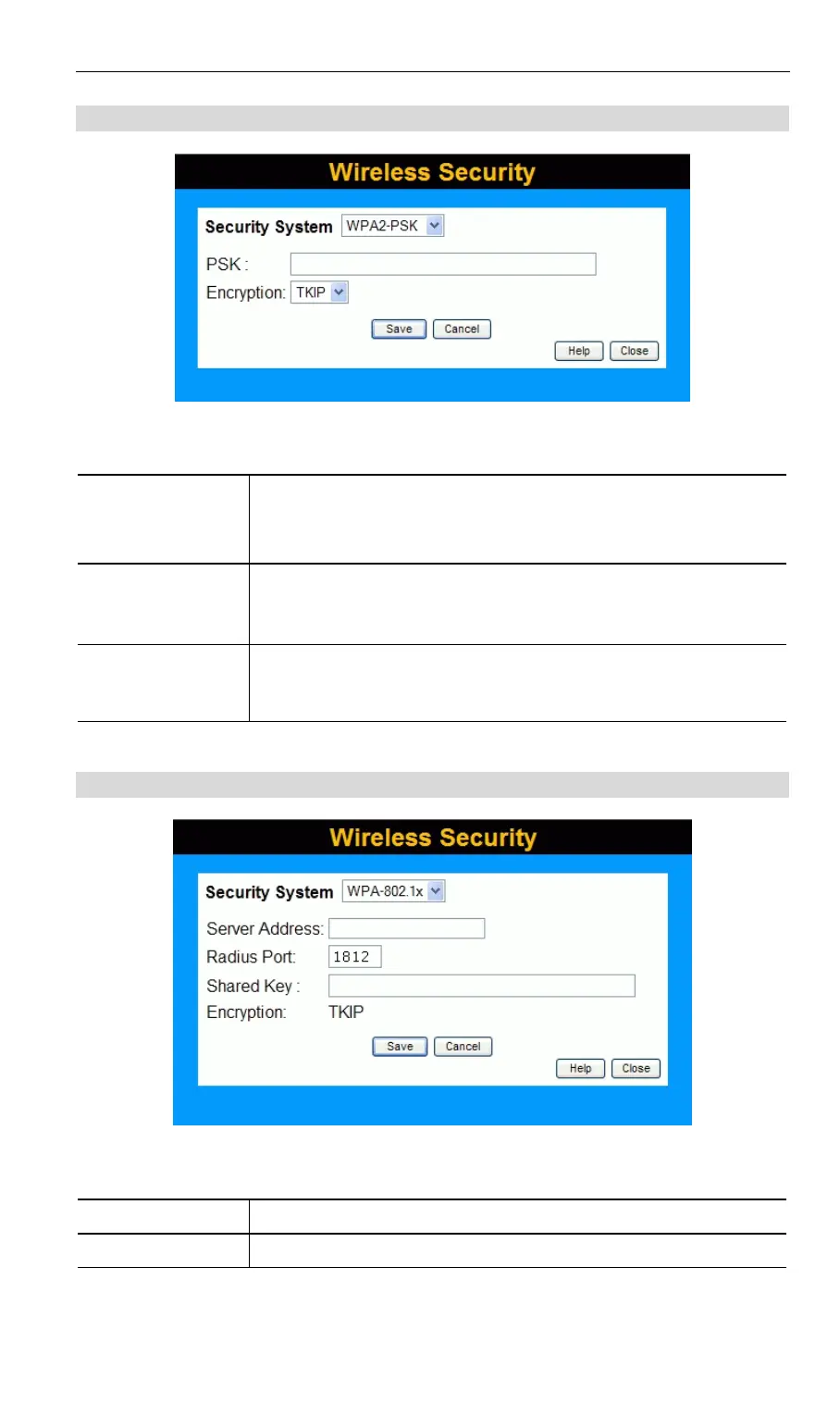
WPA2-PSK Wireless Security
Figure 11: WPA2-PSK
Data - WPA2-PSK Screen
Authentication WPA2-PSK
This is a further development of WPA-PSK, and offers even greater
security.
PSK
Enter the PSK (network key). Data is encrypted using a key derived
from the network key. Other Wireless Stations must use the same
network key. The PSK must be from 8 to 63 characters in length.
Encryption
The WPA2-PSK standard allows different encryption methods to be
used. Select the desired option. Wireless Stations must use the same
encryption method.
WPA-802.1x Wireless Security
Figure 12: WPA-802.1x
Data - WPA-802.1x Screen
Server Address
Enter the server address here.
Radius Port
Enter the port number used for connections to the Radius Server.
23



 To Next Page