Wireless-N Broadband Router User Guide
QoS
The QoS (Quality of Service) feature allows you specify priorities for different traffic. Lower
priority traffic will be slowed down to allow greater throughput or less delay for high priority
traffic.
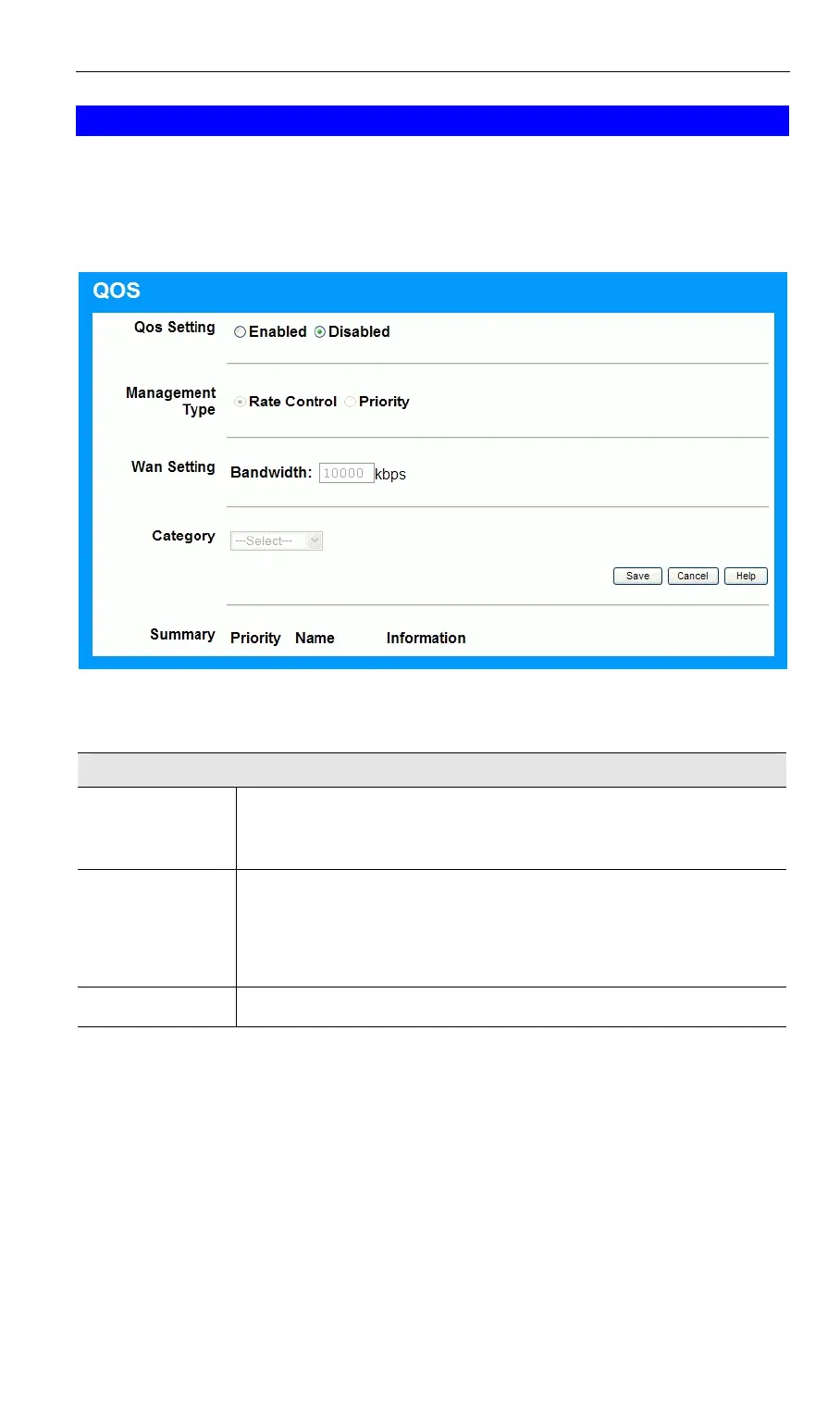
An example QoS screen is shown below.
Figure 55: QoS Screen
Data - QoS Screen
QoS Setting
QoS Setting
To disable QoS (Quality of Service), keep the default setting, Disable.
To enable QoS (Quality of Service), click Enable and follow these
instructions.
Management
Type
There are 2 options:
• Rate Control - The QoS will be managed by the size of the band-
width.
• Priority - The QoS will be managed by the priority.
Bandwidth
Enter the desired value of the bandwidth.
72



 To Next Page