Wireless-N Broadband Router User Guide
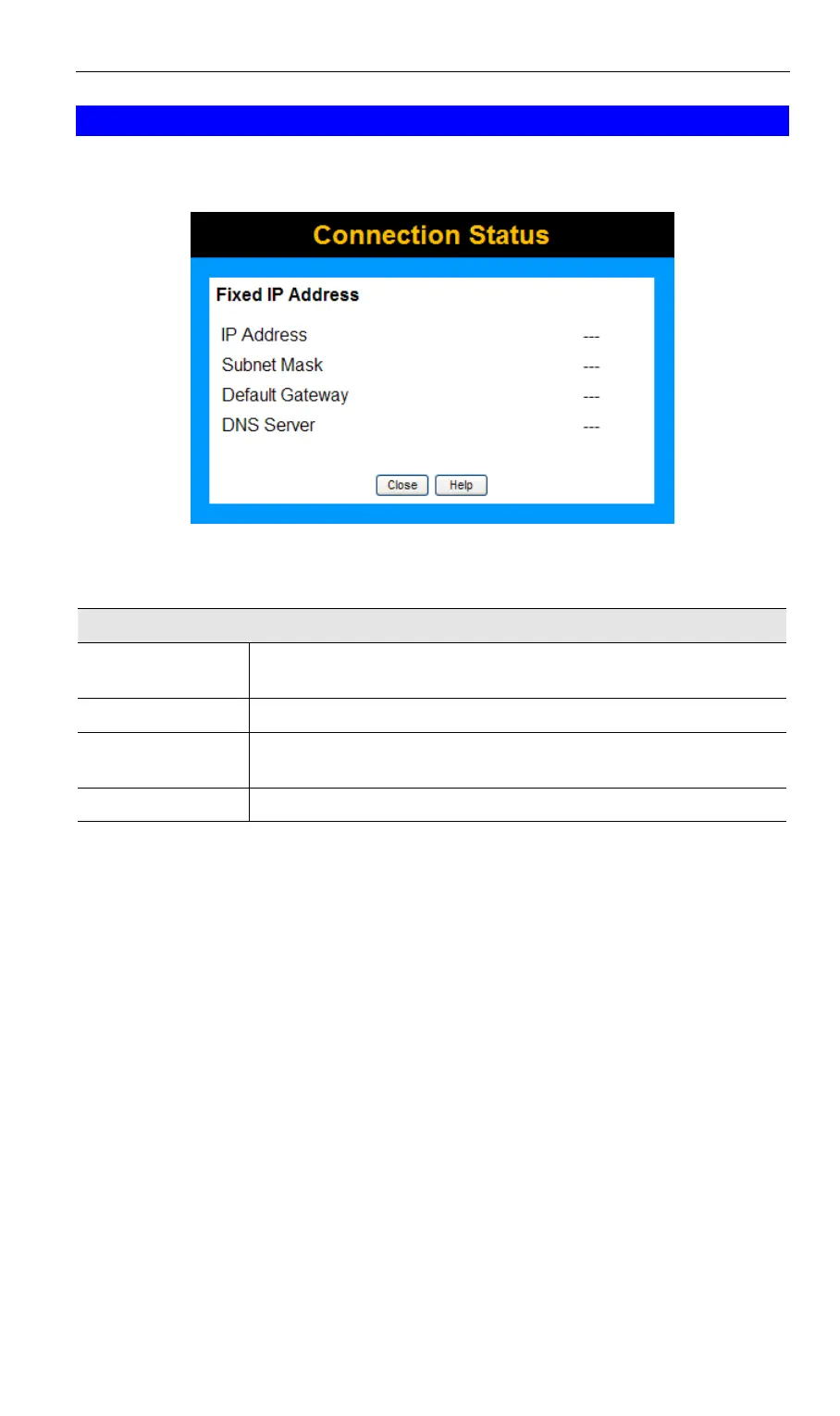
Connection Details - Fixed IP Address
If your access method is "Direct" (no login), with a fixed IP address, a screen like the follow-
ing example will be displayed when the "Connection Details" button is clicked.
Figure 46: Connection Details - Fixed IP Address
Data - Fixed IP address Screen
Fixed IP Address
IP Address
The IP Address of this device, as seen by Internet users. This address
is allocated by your ISP (Internet Service Provider).
Subnet Mask
The Subnet Mask associated with the IP Address above.
Default Gateway
The IP Address of the remote Gateway or Router associated with the
IP Address above.
DNS Server
The IP Address of the Domain Name Server which is currently used.
58



 To Next Page