Wireless-N Broadband Router User Guide
Connection Status - L2TP
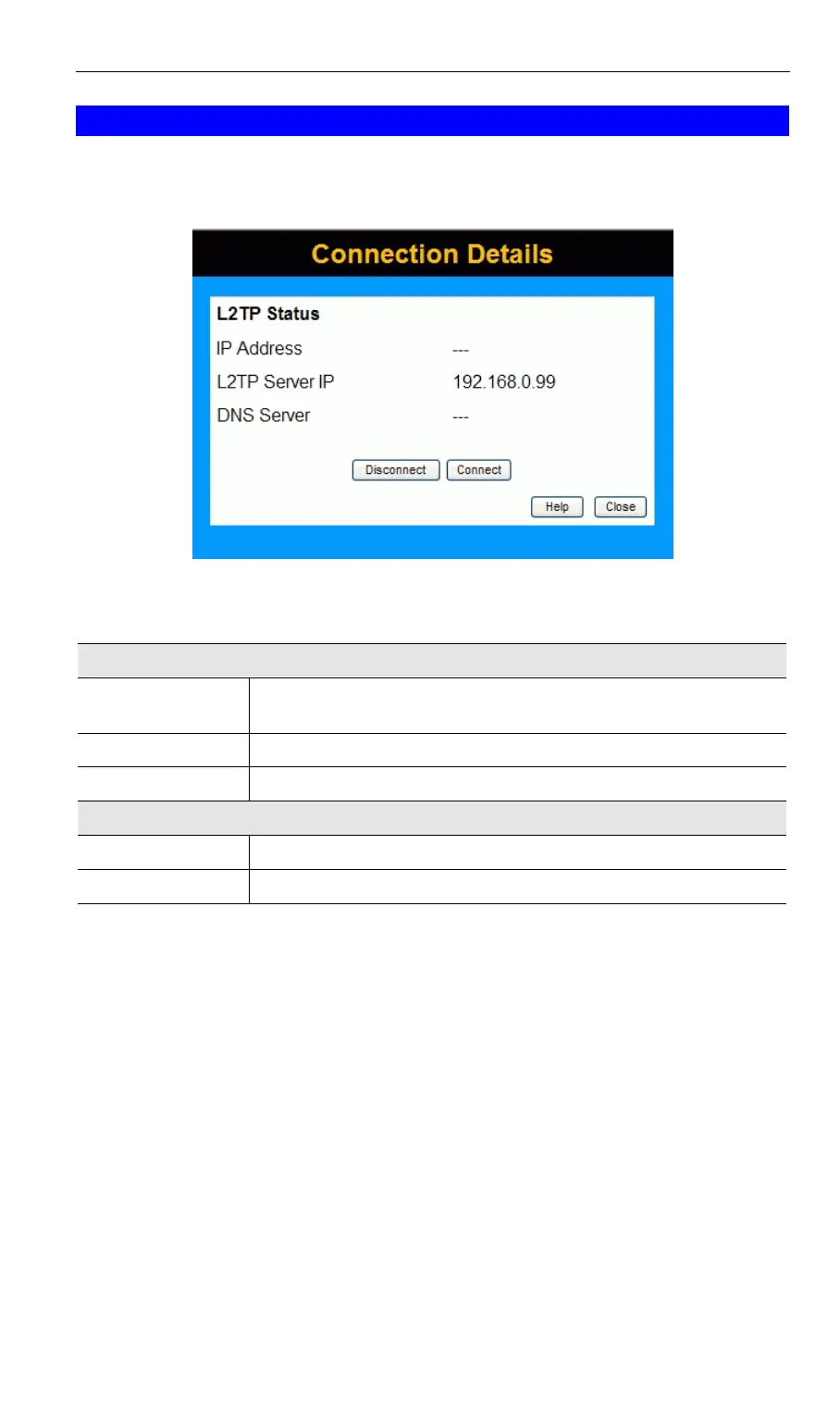
If using L2TP, a screen like the following example will be displayed when the "Connection
Details" button is clicked.
Figure 44: L2TP Status Screen
Data - L2TP Screen
L2TP Status
IP Address
The IP Address of this device, as seen by Internet users. This address
is allocated by your ISP (Internet Service Provider).
L2TP Server IP
The IP Address of the L2TP server.
DNS Server
This indicates the DNS address provided by your ISP.
Buttons
Connect
If not connected, establish a connection to your ISP.
Disconnect
If connected to your ISP, hang up the connection.
56



 To Next Page