Wireless-N Broadband Router User Guide
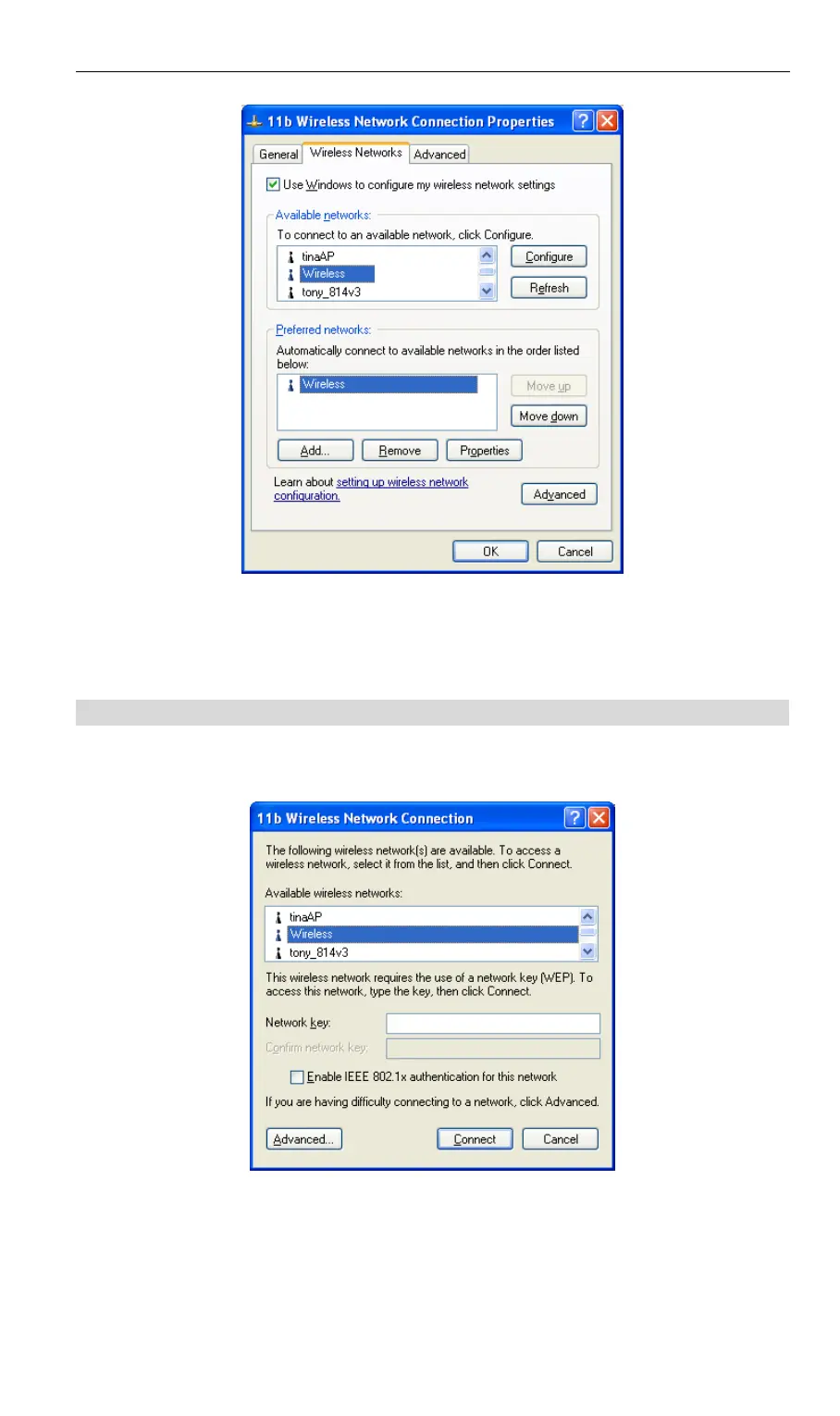
Figure 36: Preferred Networks
Click OK to establish a connection to the Wireless-N Broadband Router.
If the SSID is not listed
If the "Broadcast SSID" setting on the Wireless-N Broadband Router has been disabled, its
SSID will NOT be listed on the screen below.
Figure 37: Wireless Networks (Windows XP)
In this situation, you need to obtain the SSID from your network administrator, then follow
this procedure:
48



 To Next Page