Wireless-N Broadband Router User Guide
• Set Network Authentication and Data Encryption to match the Wireless-N Broadband
Router.
• If using data encryption (WEP or WPA-PSK), enter the key used on the Wireless-N
Broadband Router. See the preceding sections for details of WEP and WPA-PSK.
• Uncheck the options The key is provided for me automatically and This is a com-
puter-to-computer (ad hoc) network.
• Click OK to save and exit.
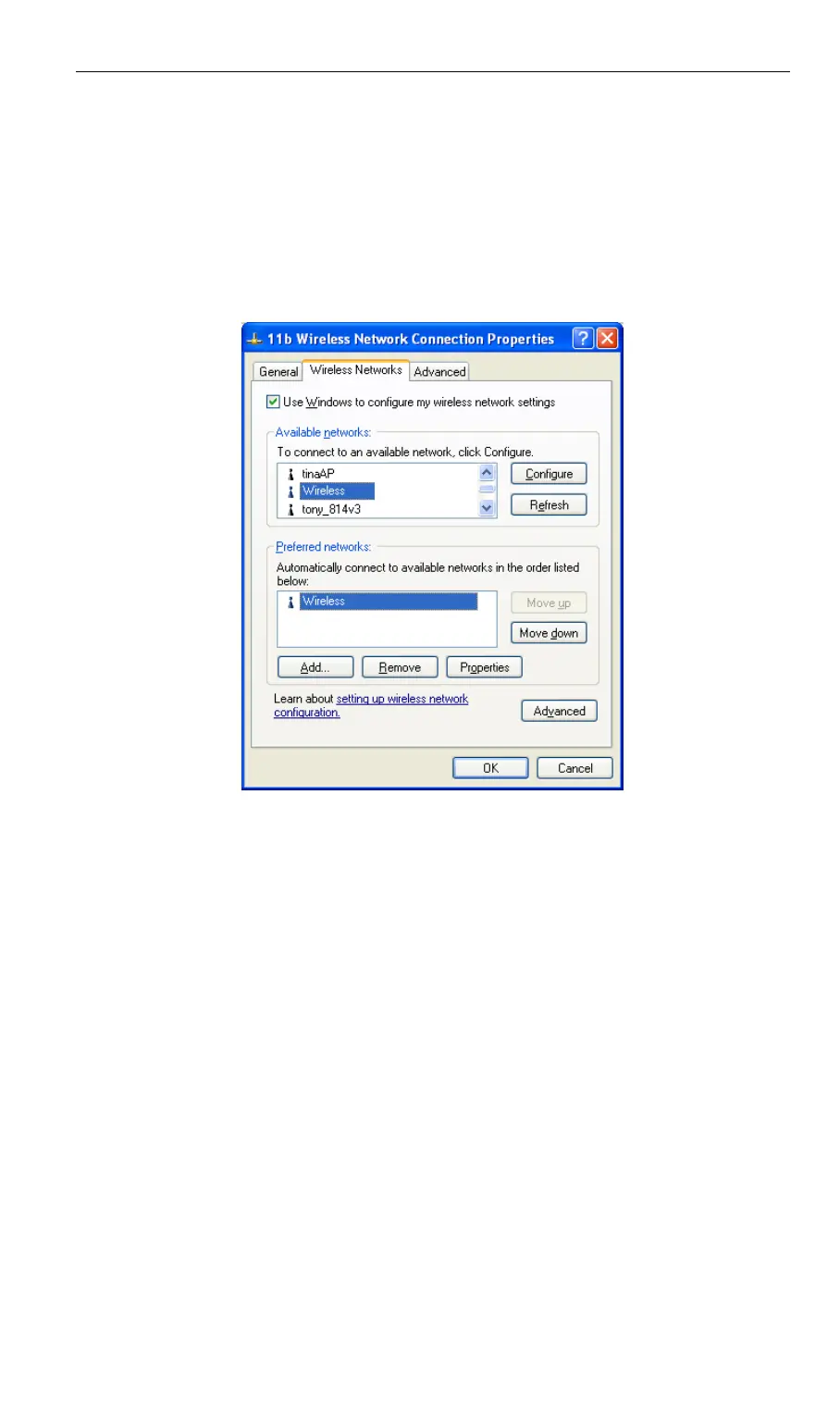
4. This wireless network will then be listed in Preferred Networks on the screen below.
Figure 40: Preferred Networks
5. Click OK to establish a connection to the Wireless-N Broadband Router.
50



 To Next Page