Allworx Phone Model 9212/9212L User Guide
+1 866 ALLWORX * +1 585 421 3850 Page 29
www.allworx.com
Version: J Revised: March 2, 2017
1. Press and hold the PFK for five seconds. The ACD queue list displays.
2. Use the UP / DOWN and SELECT soft keys to deselect queue(s). To log out, deselect all queues.
3. Enter the Allworx assigned PIN. The ACD Appearance PFK turns to solid red when logging out of
all queues.
To change the phone to a busy state:
A logged-in agent can manually enter the busy state to temporarily stop ACD calls.
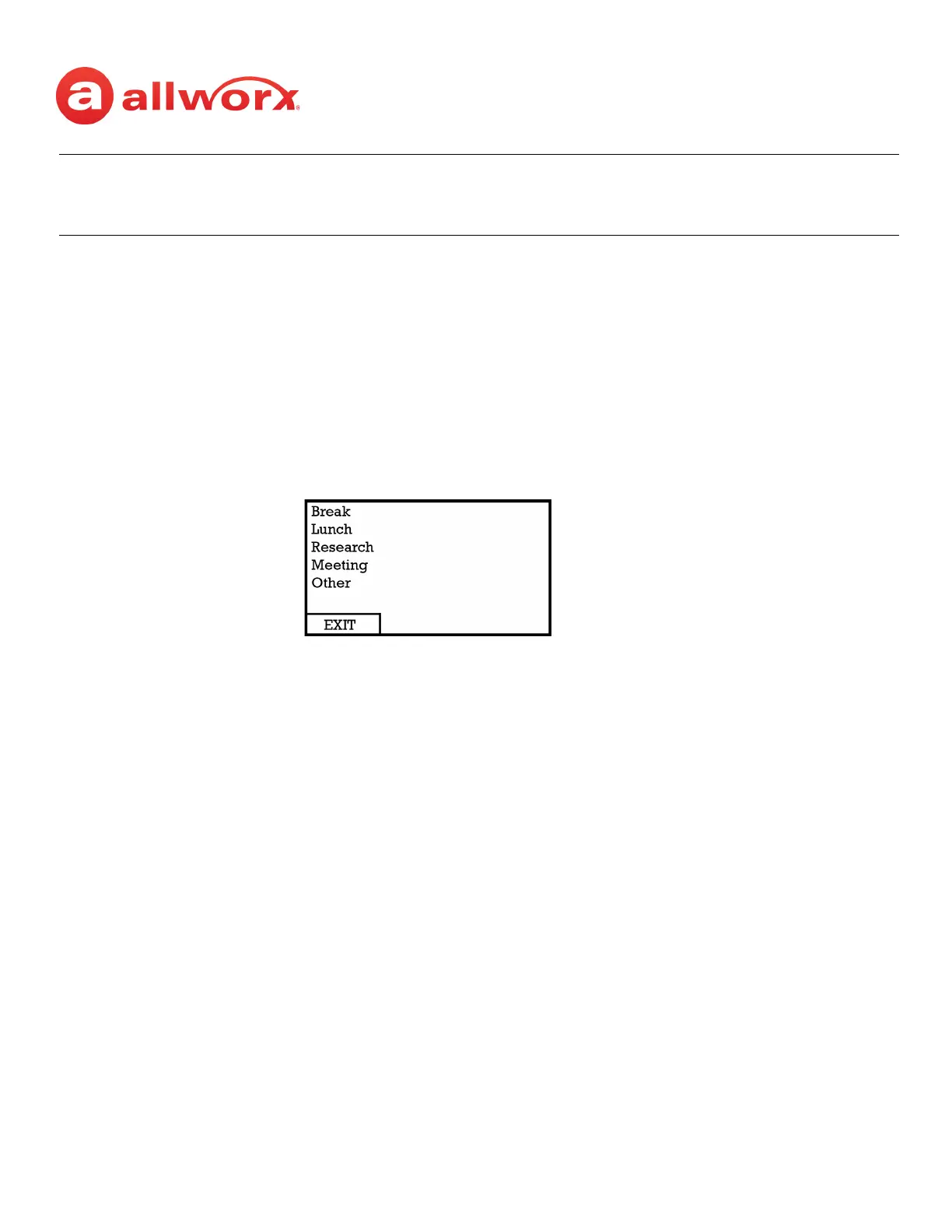
1. Press and release the PFK. The busy reasons display.
2. Use the UP / DOWN and SELECT scroll keys to select the busy reason. The ACD Appearance PFK
blinks red while in the busy state.
To leave the busy state and resume taking calls, tap the PFK.
To check the queues an agent logs into (agent must log in to at least one queue):
1. Press and hold the PFK for five seconds. The ACD queue list displays.
2. Press the Cancel soft key to dismiss the screen.
5.7 Shared Call Appearance
Shared Call Appearances enables handling a set of one or more appearances by the system as a single
appearance shared across multiple handsets. This enables all handsets in the Shared Appearance to
have common access to calls and call operations within the group of handsets. For example, an
incoming call can ring on all handsets using the appearance, have one user answer the call and place
the call on hold, and then another user retrieves the call.
Last Agent Cannot Log Out When ACD queues are set so that the last agent cannot log out and the last agent must
log out for any reason, a queue supervisor must log the agent out. The agent can also
log out by allowing an ACD call to exceed the maximum rings, which sets the agent to
unavailable (No Answer).



 To Next Page