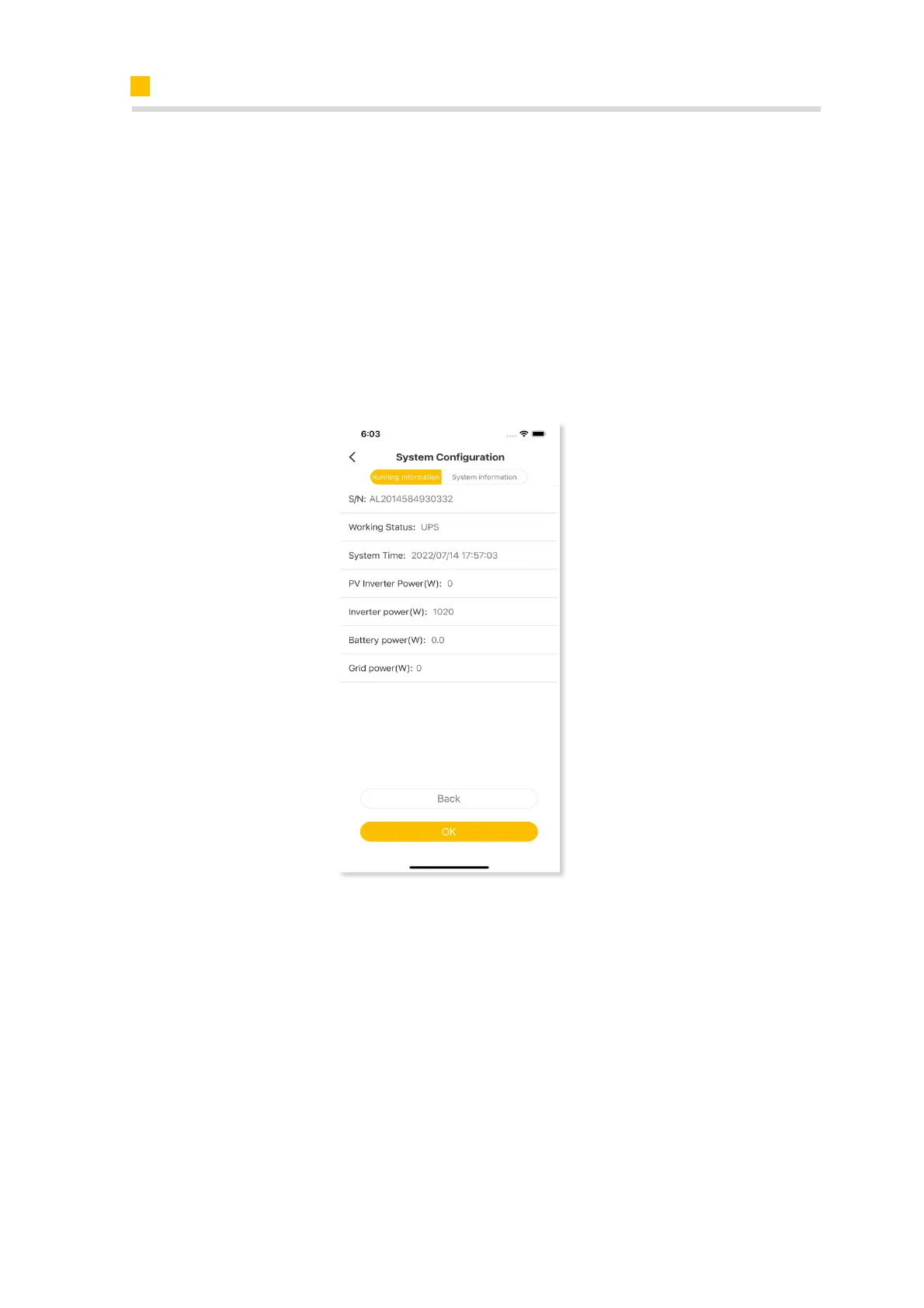
9.3.2.3 Check the UPS State
Please connect an essential electrical appliance to the socket of backup load. Or
switch on an essential electrical appliance already connected on the backup load
port of the inverter.
Switch on the AC breaker on the backup port of the energy storage inverter.
Switch off the external AC breaker between the grid and the energy storage
inverter.
The inverter will enter the UPS mode at once.
If the electrical appliance on backup side can work normally, it means that the
wiring of the backup has been connected correctly.













 To Next Page