44
Using Dolby Surround
English
4
5
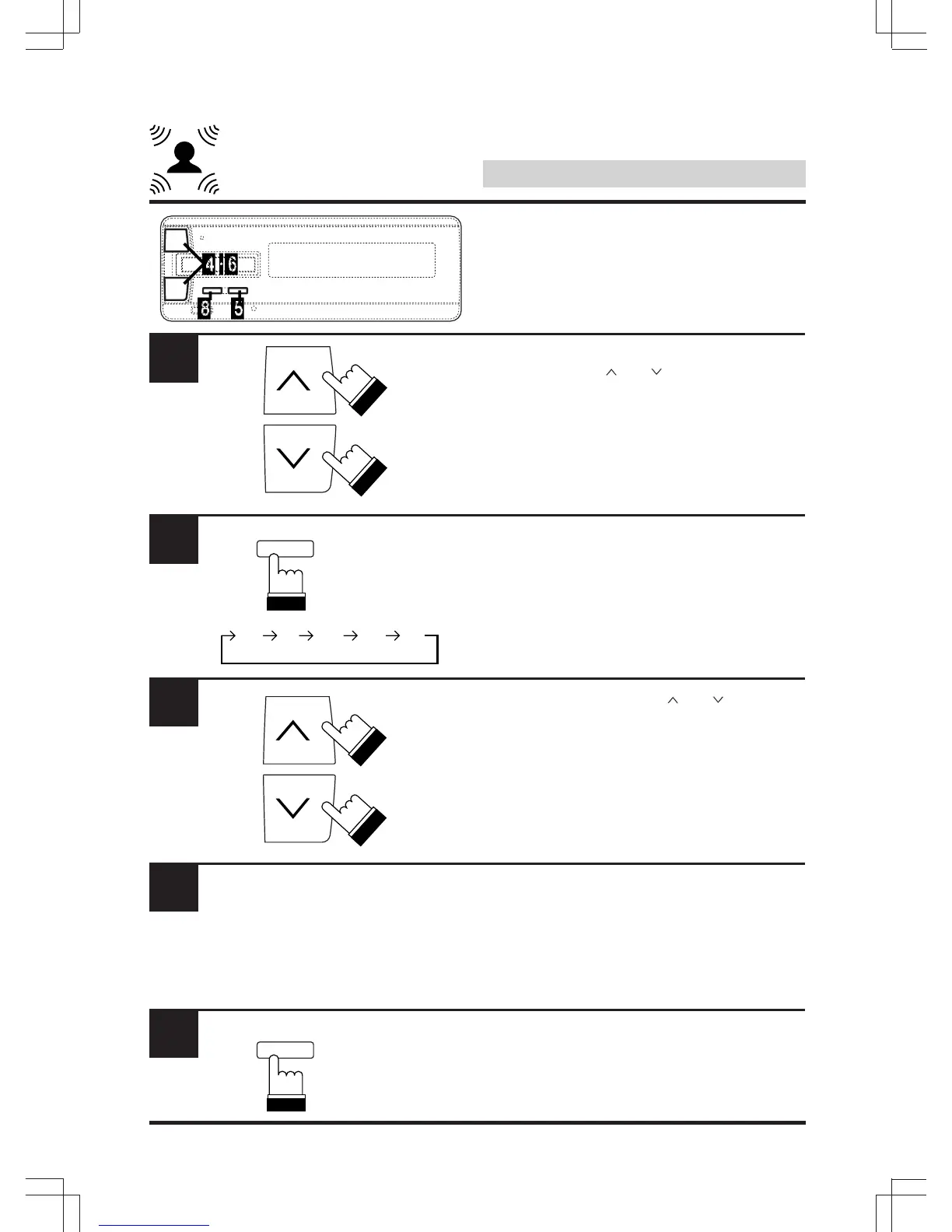
While the test tone is being emitted from a
speaker, use the “ ” or “ ” key to adjust the
level of that speaker.
To quit, press “A.PROC”.
To stop and adjust a specific speaker, proceed
to step 5 .
Press “BAND” to select the speaker to be
adjusted.
Within 5 seconds, use the “ ” or “ ” key to
adjust the level.
The level can be adjusted in steps between –10
and +10.
Repeat steps 5 and 6 to adjust the levels of
the different speakers.
Press “A.PROC”.
Adjusting the speaker level
(Continued)
BAND
FL
RR RL
C FR
6
7
8
A.PROC
DEF.



 To Next Page