82
English/Français/Español
English
Remote Control Operation
Time correction
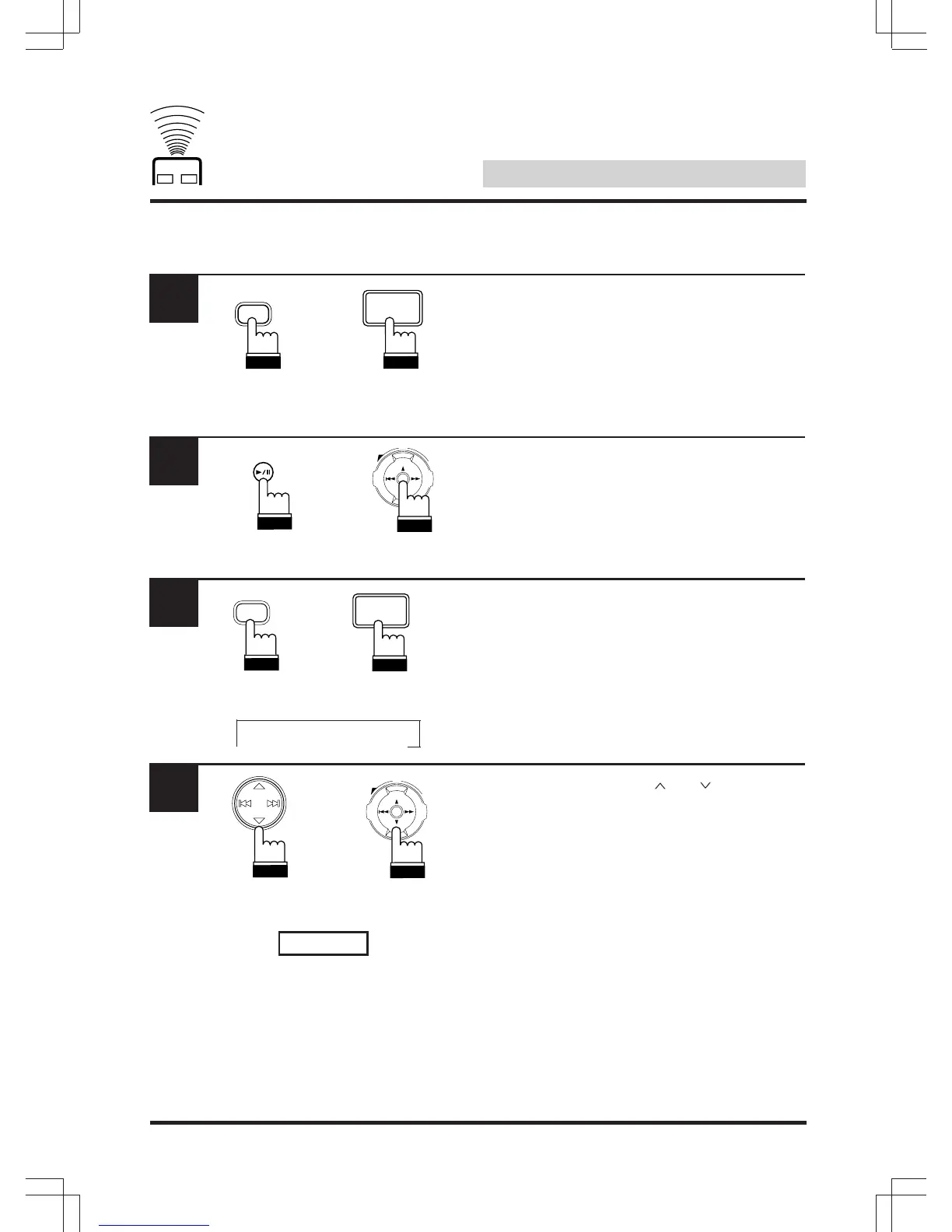
Press “A.PROC” and select T-CORR mode.
Press “ENT”.
Within 5 seconds, press ”BAND PROG” and
adjust the desired channel.
Within 5 seconds, press ” “ or ” “ to adjust.
To adjust another channel repeat step 3 and
4 .
1
2
3
4
→ FL → FR → RL → RR
FL 5.0ms
UP
VOL
DN
ENT
ENT
RUE-4185 RUE-4160/
RUE-4162
A.PROC
A.PROC
RUE-4185
RUE-4160/
RUE-4162
UP
VOL
DN
ENT
RUE-4185
RUE-4160/
RUE-4162
BAND
PROG
BAND
PROG
RUE-4185
RUE-4160/
RUE-4162



 To Next Page