75
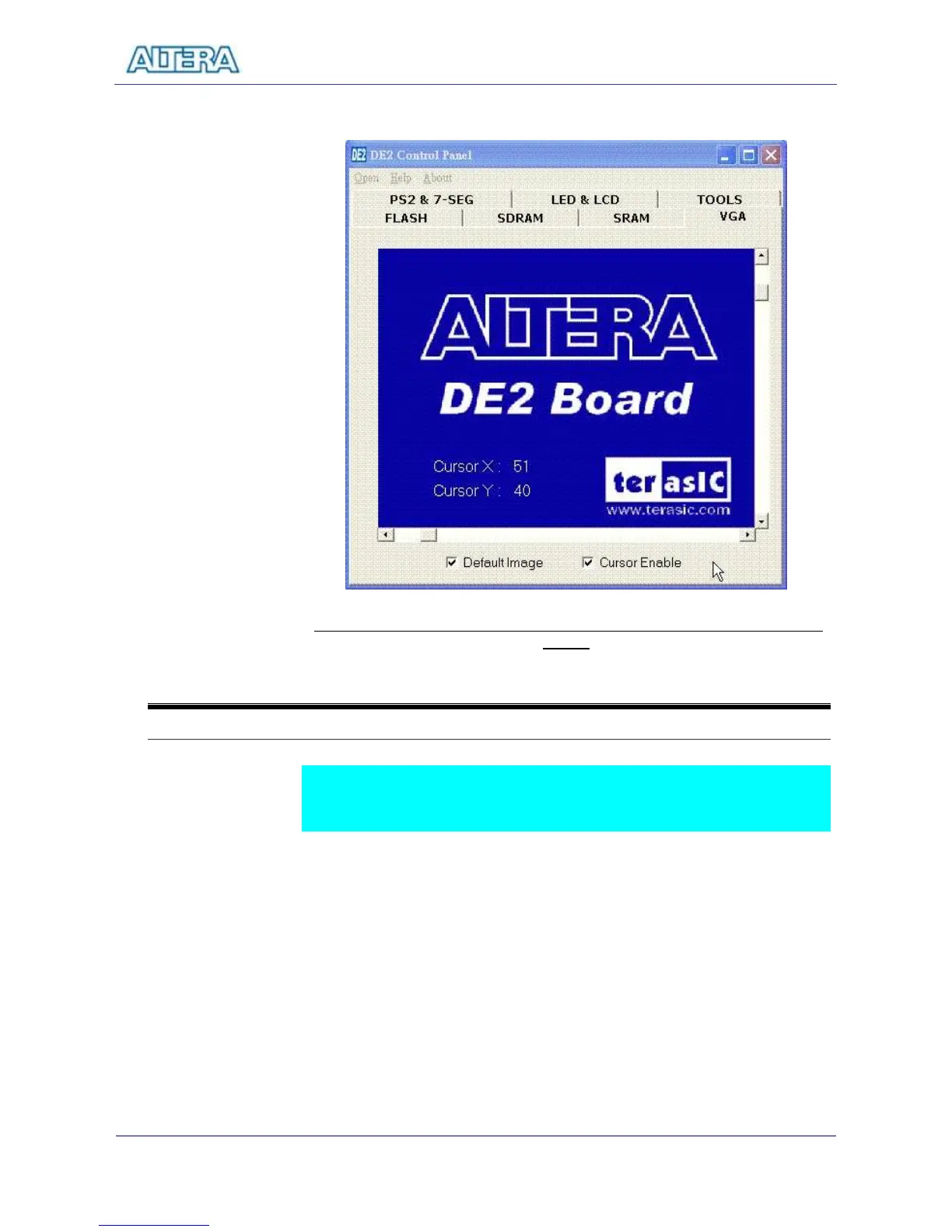
users’ own image data.
Figure 11.13 Display default image and use the scrolling bars to control cursor
moving
11-8
VGA Display Control Panel – Display User’s Own Image
DE2 Control Panel can display users’ own images on VGA monitors.
Repeat the following steps to display users’ own picture on a VGA monitor.
Switch to SRAM Control Page and load the file C:\ DE2 \ Binary_Raw_Data\
Raw_Data_Gray into SRAM.
Switch to TOOL Page and select Asynchronous 1 for the SRAM multiplexer
port as shown in Figure 11.14. Click on Configure to activate the multiport
setup.



 To Next Page