Need help?
Do you have a question about the Amano CP-3000 and is the answer not in the manual?
Details power requirements, ambient conditions, dimensions, weight, and time card compatibility.
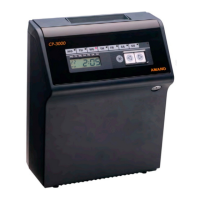
Lists included accessories and identifies external parts like the top cover, display, and keyhole.
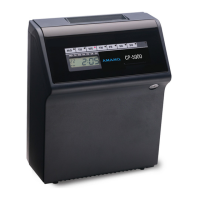
Describes the front panel controls, display, LEDs, and highlights CP-3000 model features.
Instructions for removing covers, selecting placement location, desktop, and wall mounting.
Details on connecting external signals, internal battery, and AC power for operation.
Steps for initial setup, resetting the unit to defaults, and understanding 'Reset (All Clear)' function.
How to perform a test print, understanding card dimensions, color, and general settings.
Guides for adjusting side margin, bottom margin, card thickness, and card width for optimal imprints.
Introduction to programming types, general guidelines, entering/exiting program mode, and saving values.
Setting year, date, time, hours display format, and day change time.
Creating, editing, adding, and deleting weekly schedules for features like buzzer and signals.
Instructions for cleaning the exterior and general service notes.
Step-by-step guide to replacing internal fuses and the printer ribbon cartridge.
Initial steps for troubleshooting, checking power, fuses, cards, and general problems.
Explanation of error codes (Err 0-9) and their corresponding causes and resolutions.
Addresses issues related to display, battery, clock accuracy, LEDs, card feed, and imprint problems.
Guide to running built-in diagnostic tests for LEDs, keys, LCD, EPROM, buzzer, and signals.
Charts to assist in creating and documenting weekly programs for the CP-3000.

 To Next Page
 General