6-16
CP-3000 User’s Guide
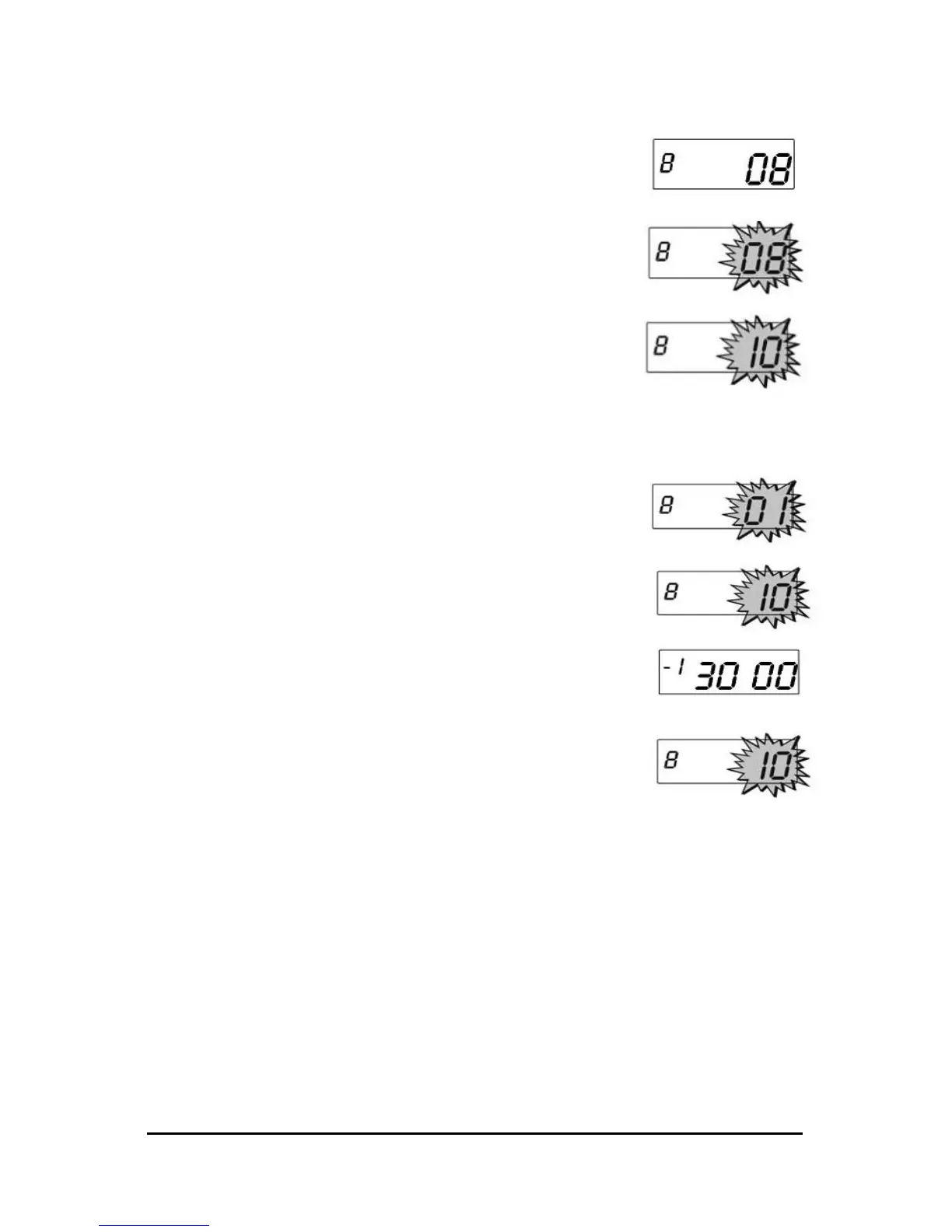
Step 3. Press the YES key to select and start the
test. The test number will cease to flash in
the and you will hear a clicking sound as
the color change solenoid is turned on
and off.
Step 4. Press the YES key to stop the test. A
beep will sound and the test number will
flash in the display.
Step 5. Press the NO key twice to move to the
next test or exit the Diagnostics menu by
pressing the FUNCTION key, or by exiting
the Program Mode.
Model ID
Step 1. If you have not already done so, enter
theProgram Mode and press the
FUNCTION key until the LED Test menu
item appears in the display.
Step 2. Press the NO key ten times. The Model ID
menu item will appear in the display.
Step 3. Press the YES key to select this item. The
display will indicate the model number of
your CP-3000.
Step 4. Press the YES key. A beep will sound and
the test number will flash in the display.
Step 5. Exit the Diagnostics menu by pressing
the FUNCTION key, or by exiting the
Program Mode.


 To Next Page