Drivers Installation
Page 6-4
<Figure 6>
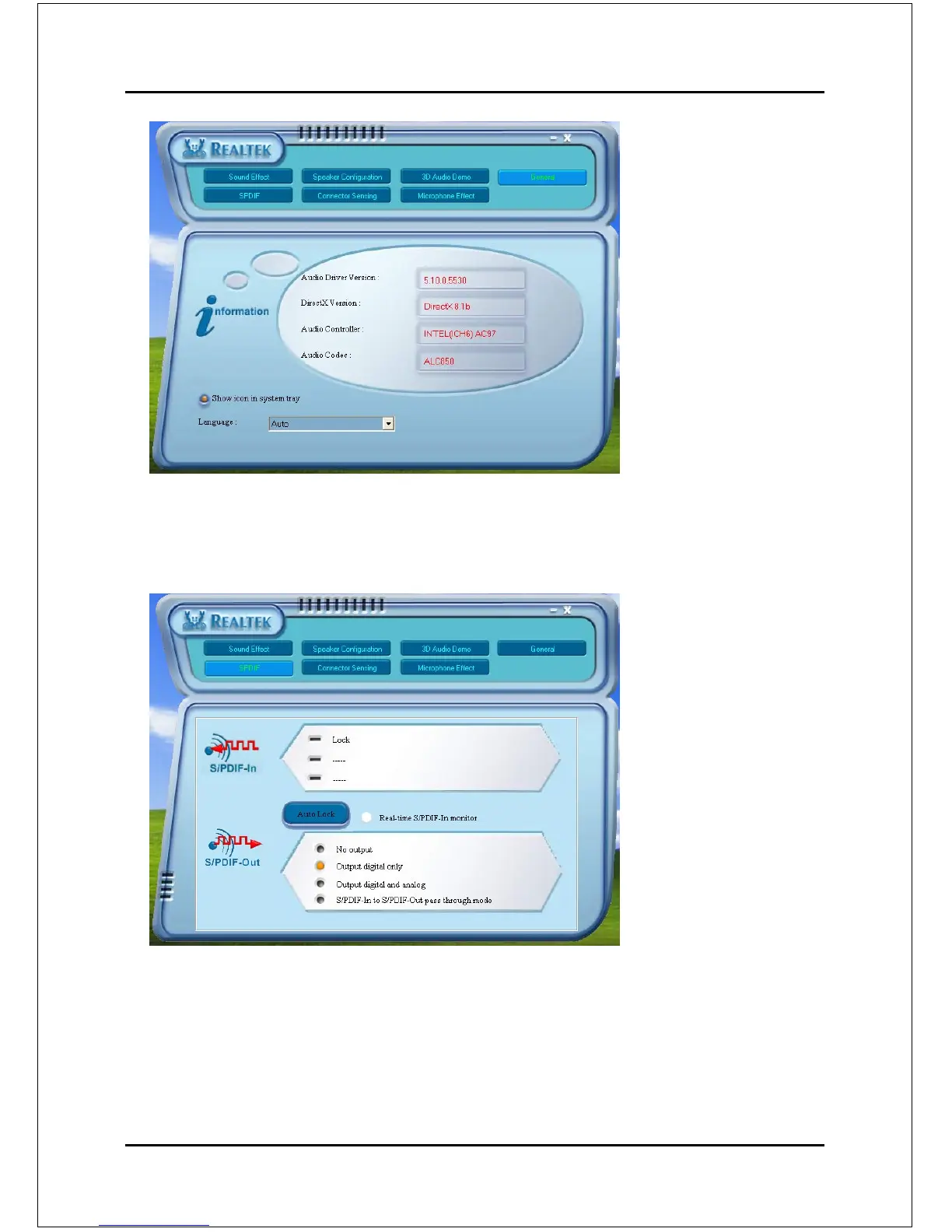
SPDIF:
6. This page shows S/PDIF-In and S/PDIF-Out function on your system.
S/PDIF-In: a. Click "Auto Lock" to detect S/PDIF input and display its
information.
b.Check "Real-time S/PDIF-In monitor" to listen to the S/PDIF
In signal through Line-out connector.
S/PDIF-Out: Choose the type of audio source that will appear on the S/PDIF-
out connector.
5. This page displays information regarding the audio hardware and software.
To remove "Sound Manager" icon from Windows Task bar, uncheck "Show
icon in system tray".
<Figure 5>
General:



 To Next Page