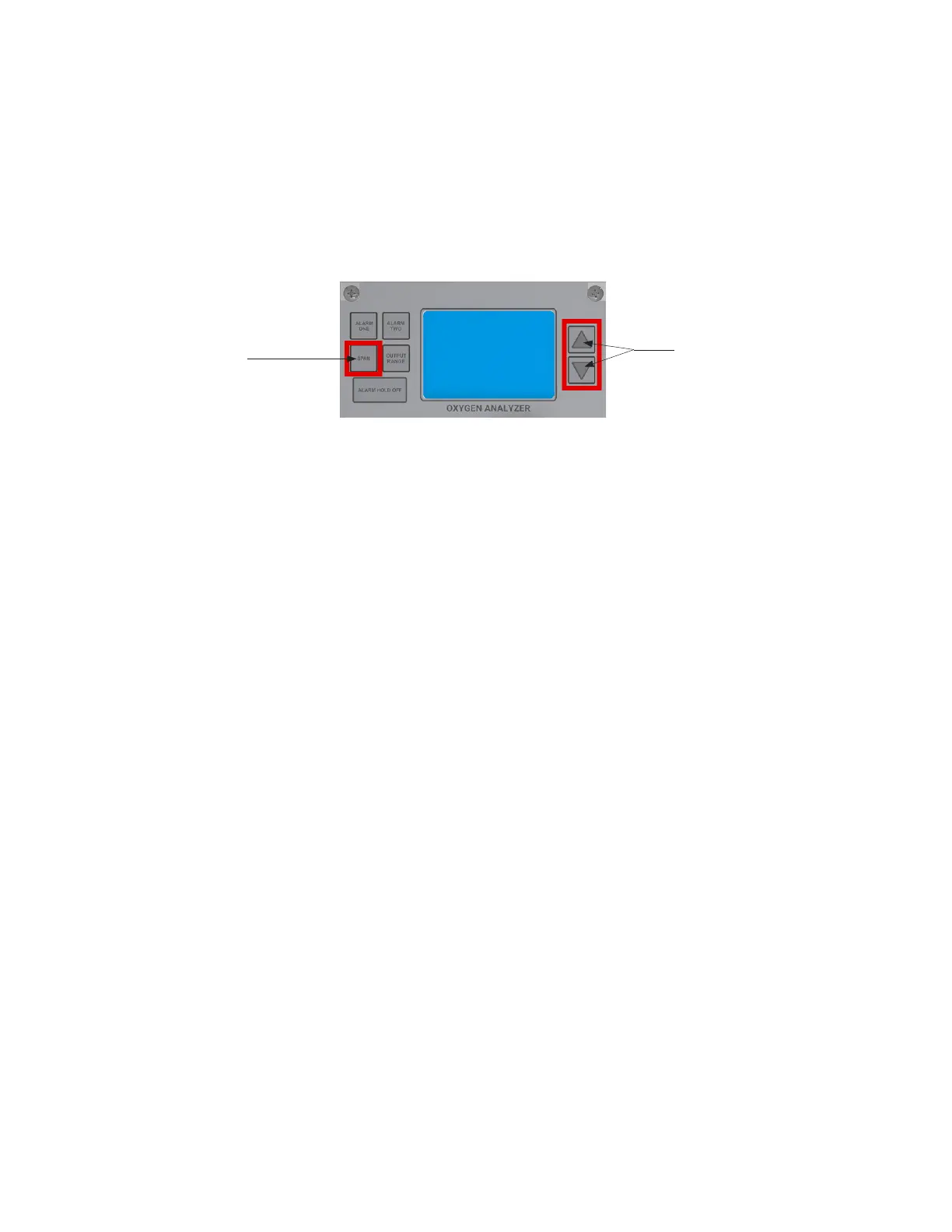
5. Span the Analyzer to the value of the oxygen, specified on the Span Gas Tank, by doing the
following:
Span
Button
Up and Down
Arrow Buttons
Press the SPAN Button and release. The word SPAN will appear on the LCD for 1 second and
then display the oxygen reading, while the % FLAG blinks. Quickly press the appropriate
UP/DOWN ARROW to adjust the LCD reading to the value stated on your calibration gas
cylinder.
6. Once completed, wait for a few seconds. The % FLAG will stop blinking, and the Analyzer will
accept the new calibration.
7. Turn the 3-WAY SELECTION VALVE back to the SAMPLE position (the oxygen reading will quickly
drop down to the value of the pipeline gas).
23



 To Next Page