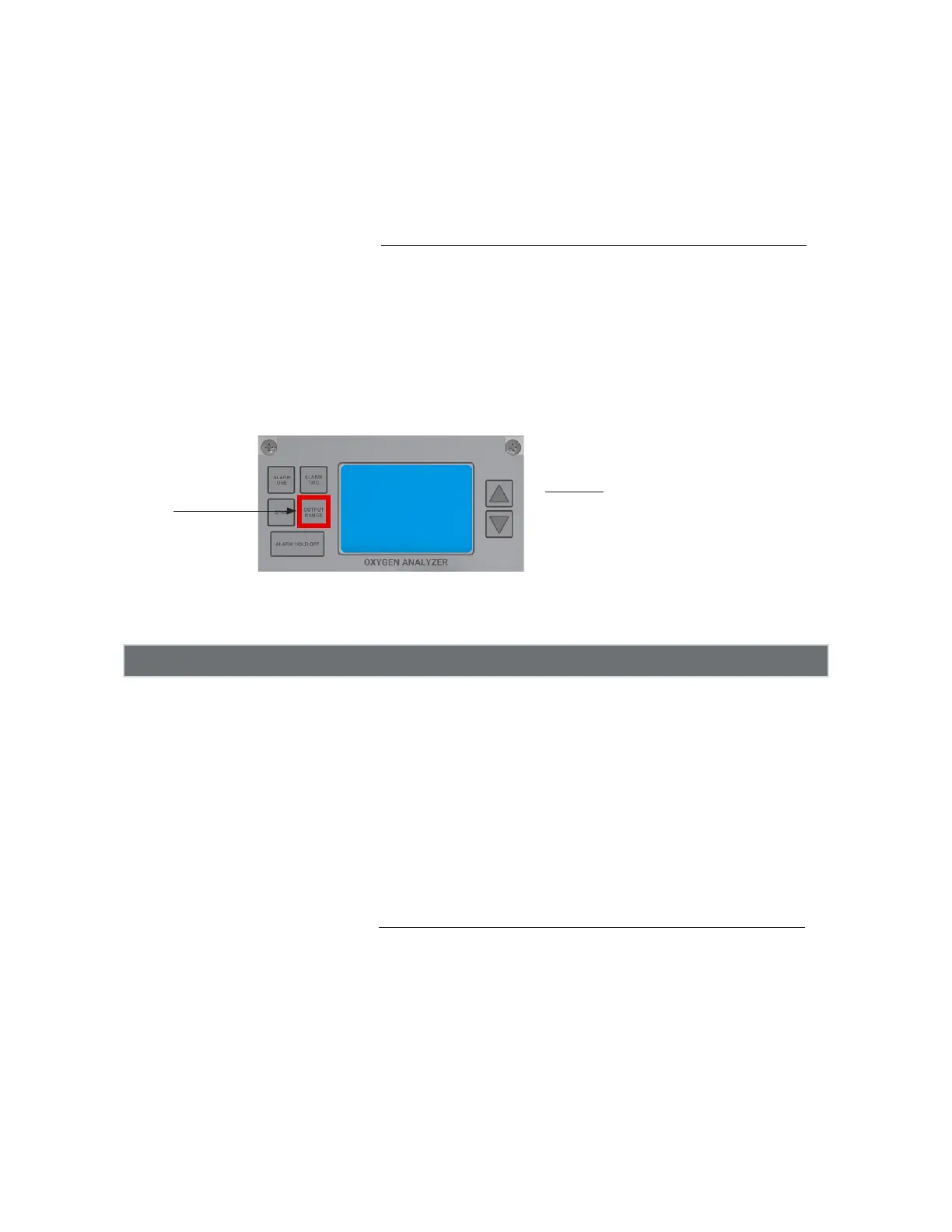
Changing the Analog Output Range of the
measurement readings on the LCD
Press the OUTPUT RANGE button. The LCD screen will display the current Output Range. Within 3
seconds, use the UP AND DOWN ARROW BUTTONS to scroll the choices and select your desired
output range. Once completed, do not push any buttons and wait for a couple of seconds. Your new
output range will be saved and the Analyzer will revert to measurement mode.
Analog Output Ranges
Standard Output Ranges: 0 – 1.0%, 0 – 5.0%, 0 – 10.0%, and 0 – 25.0%
Optional Output Ranges: 0 – 1000 ppm, 0 – 1.0%, 0 – 10.0%, 0 – 25.0%
0 – 10.0%, 0 – 25.0%, 0 – 50.0% 0 – 100.0%,
Output
Range
Important:
Your selected Analog Output Range will cor-
relate to the Alarm Range and the Analog Out-
put Range. For example, if the Output Range is
set to 0 –1.0%, the Alarm Range is
0 –1.0%. The Analog Output will scale within
the selected Analog Output Range and Alarms.
6) The LCD will cycle between 3 dashes and then the oxygen reading if the oxygen level exceeds
the selected analog output range by 125%. Example: if you select the analog output range of
0–1.0% and the oxygen reading rises above 1.25%, the LCD will cycle between dashes and
then the oxygen reading until the reading drops below 125% of range.
27



 To Next Page