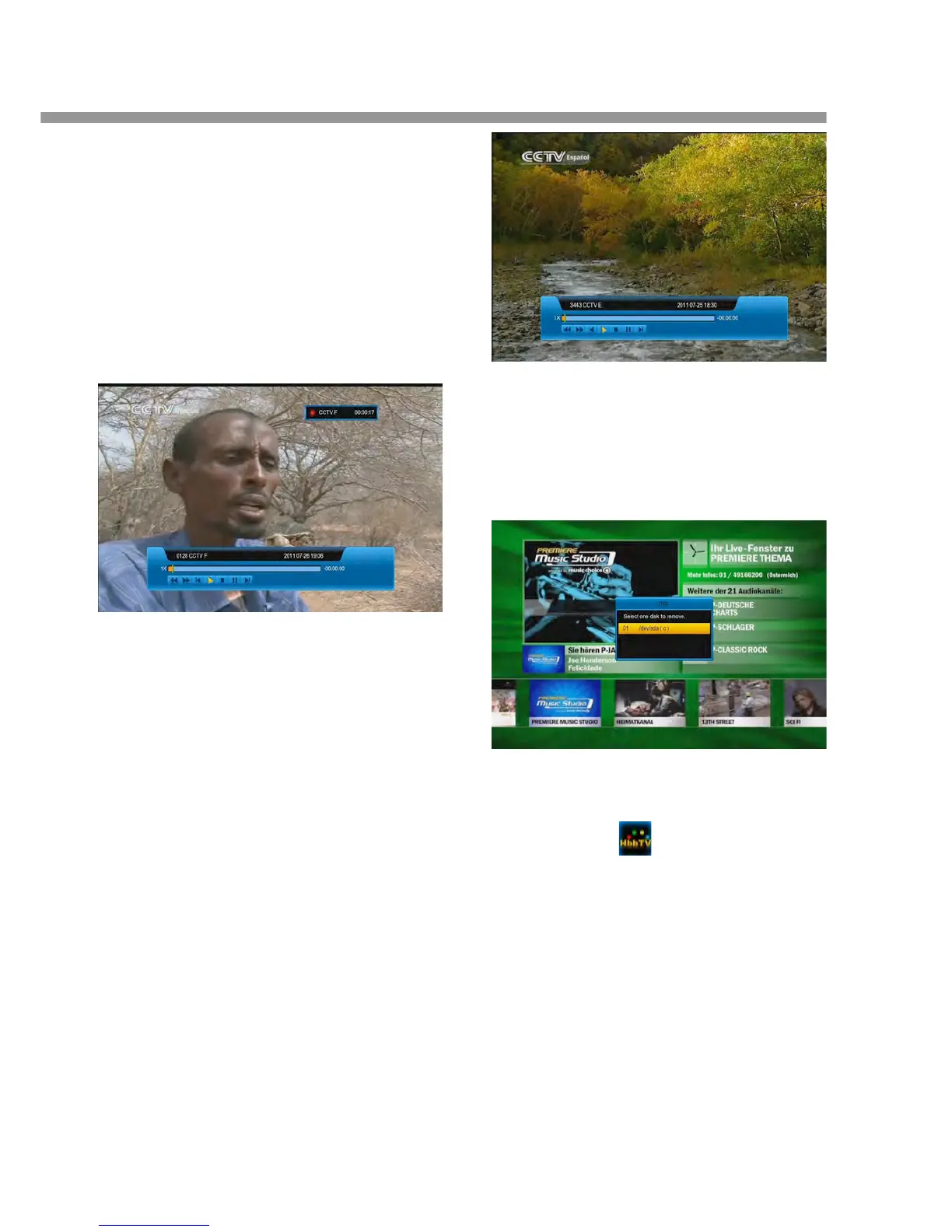
5.18 Play the recorded file
when it recording
1. Press [PLAY] button to start play the recorded file.
2. Press [PAUSE] button to pause play.
3. Press [◄, ►] buttons to jump the playing place.
4. Press [PAGE-, PAGE+] button to play fast.
5. Press [PREV/NEXT] button to jump the head/end
of the file.
6. Press [STOP] button to stop play.
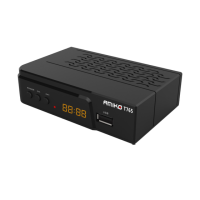
5.19 Timeshift
Timeshift is a aptotic big recording. When is full, it will
lost the head file to still recording. When Timeshift is
enable :
1. Press [PLAY] button to play the file.
2. Press [PAUSE] button to pause play.
3. Press [◄, ►] buttons to jump the playing place.
4. Press [PAGE-, PAGE+] buttons to play fast.
5. Press [PREV/NEXT] button to jump the head/end
of the file.
6. Press [STOP] button to stop play.
Note: If you change channel, the path or the time, it will
restart.
5.20 Unmount USB Disk
1. Press [PLAY MODE] button.
2. Press [▲, ▼] buttons to select the disk.
3. Press [ok] button.
4. Select YES and press [ok] button
5.21 HBBTV
When info bar has icon, it mean this channel
HBBTV service. First make sure the service is ON in
System/Basic Setting/Miscellaneous Setting/HBB


 To Next Page