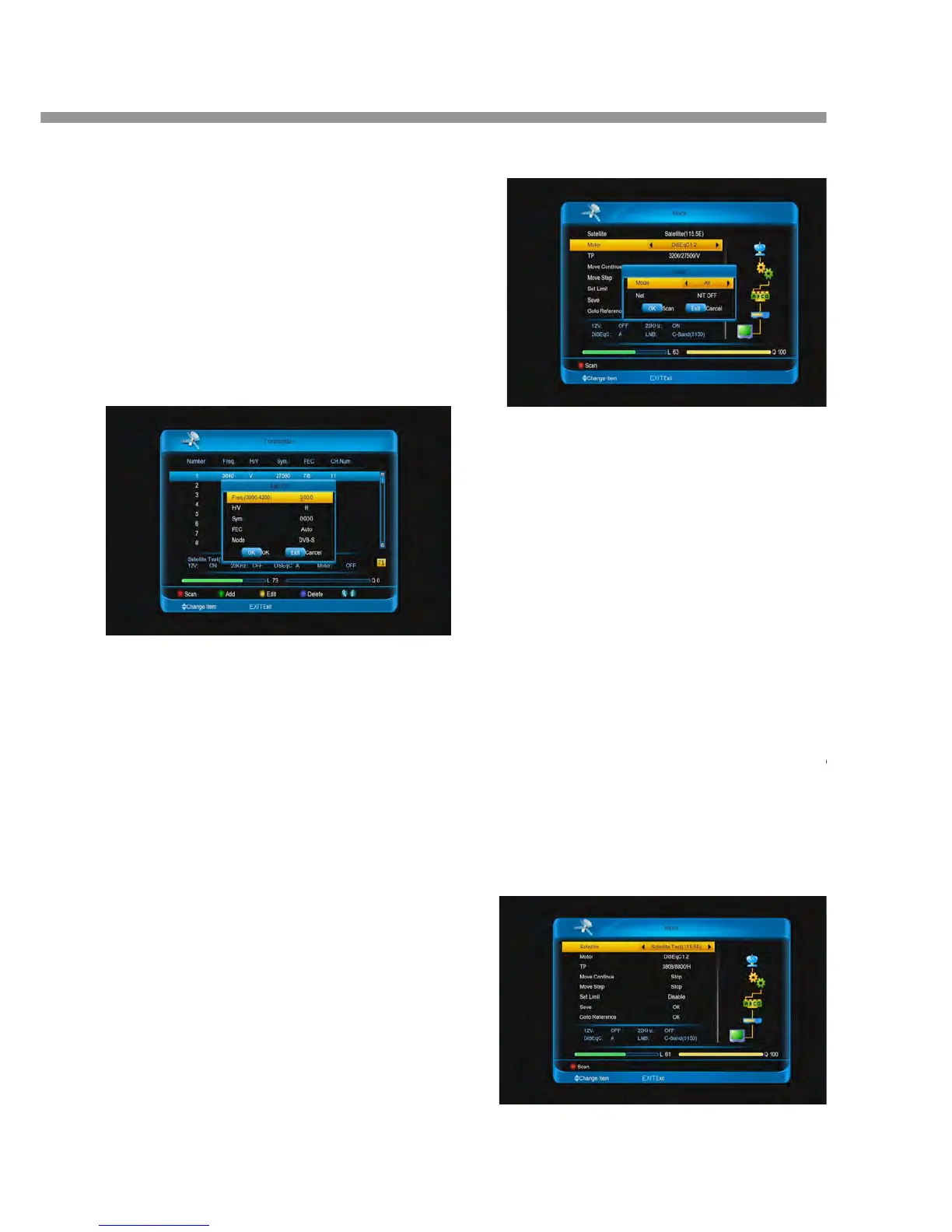
Auto <–> 1/2 <-> 2/3 <-> 3/4 <-> 4/5 <-> 5/6
<-> 6/7<-> 7/8 <-> 8/9 <->1/4 <-> 1/3 <-> 2/5
<-> 3/5 <-> 9/10.
Mode: Select the mode with DVB-S or
DVB-S2.
Press [ok] button.
3. Press [yellow] button to edit the select
transponder.
4. Press [blue] button to delete the select
transponders.
5. Press [INFO] button to display the search channels
of the transponder.
8.1.6 Search Channels (Motor Antenna)
You can set the position of the satellites when using a
motor antenna for efficient channel search.
1. Check that your antenna connection and the
selected antenna type are correct.
2. Select the satellites that the motor antenna is
pointing to.
3. Set the type and location of your motor. (Motor
Setting)
4. Set your antenna position for the selected satellites.
5. Set the operation limit of your motor.
6. Press [red] button to scan, the found channels will
be listed.
7. When the search has completed, select save and
press [ok] button to save and exit.
Note:
1. Only channels of one satellite can be searched
when using a motor antenna. Please repeat the
search process to search more satellites.
2. Press [EXIT] button to stop and press [ok] button
to save and exit.
3. Refer to Setting Transponder for detail
press [yellow] button.
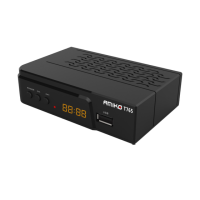
2. Select motor type at motor item.
DiSEqC 1.2: General motor antenna u
DiSEqC 1.2.
USALS: Motor antenna using USALS.
3. Select My Longitude and enter the longitude
direction.
4. Select My Latitude and enter the latitude
direction.
5. Select Set Limit and set the limit for the Motor.
Select the value is east or west
Select the Move Step or Move Continu


 To Next Page